Download
Here you can find everything needed to get MPlayer up and running.
The recommended way to install MPlayer is to compile from current
SVN source.
Look at the
unofficial packages
section of our projects page if you do not wish to compile from
source and/or are looking for packages that may be more tightly
integrated with your platform.
You might also want to check out the
other frontends
since there is no further development and limited bug fixing for the
included graphical user interface.
Be advised that we do not support any unofficial packages, only the
non-outdated official ones listed below.
If you have trouble with unofficial packages, get support from the
respective authors.
For a complete MPlayer installation you will need
sources, a set of
binary codecs, and a
skin if you want a graphical user interface.
Quick compilation and installation instructions are contained in the
README, the
installation section
of the documentation has more complete information.
We provide nightly Subversion snapshots generated at six in the
morning (GMT+1). They are generally stable and recommended.
If you have issues with them report it, or use Subversion directly
to get a more up-to-date or previous version, or wait for the next
snapshot, it might be fixed by then.
The Subversion snapshots are working directories complete with
Subversion metadata (the result of 'svn checkout'). The source
snapshots are bare sources without Subversion metadata (the result
of 'svn export').
The latest MPlayer release is 1.5, created on 2022-02-27, which includes
an FFmpeg snapshot.
We recommend to always use the latest SVN to get the all the new features and
bugfixes, especially if the release date above looks old.
We keep the
old releases and
ancient releases
of MPlayer, in case anybody is interested.
You can also get MPlayer via Subversion. Issue the following command to
get the latest sources:
svn checkout svn://svn.mplayerhq.hu/mplayer/trunk mplayer
A directory named mplayer will be created in the current directory.
You can later update your sources by typing
svn update
from within that directory.
Our Subversion setup does not work over
HTTP/HTTPS, nor will it in the future. If you have trouble
accessing the Subversion repository, then in 99% of all cases
a firewall on your side is the problem. Open TCP port 3690 or
find a machine that can use the svn:// protocol directly.
Another alternative is downloading a Subversion snapshot.
| MPlayer Windows builds |
HTTP
|
| UPDATED MPlayer Windows builds |
HTTP
|
| MPlayer Mac OS X Extended |
HTTP
|
| Fedora and CentOS/RHEL RPM packages from RPMFusion |
HTTP
|
We offer Debian packages of a compact
and up-to-date MPlayer for some architectures with minimal
dependencies and including the GUI variant.
First of all, a big warning: These packages are useless for normal
Windows players and will only work with MPlayer.
Our binary codec packages add support for codecs that are not yet
implemented natively, like newer RealVideo variants and a lot of
uncommon formats. Note that they are not necessary to play most
common formats like DVDs, MPEG-1/2/4, etc.
See the codec status table
for the daily-generated list of currently supported codecs.
Choose the package that matches your processor and operating system.
If your system cannot manage Linux libraries, choose the Windows
package instead. On Windows MPlayer will try to use the codecs
installed on your system. Our packages can save you the hassle of
installing every known codec and using untested codec versions.
Instructions for installing binary codecs can be found in the
README or in
the README.txt file that accompanies each codec package.
If you want to verify the integrity of the codec packages, compare the
MD5 sums.
If you want to know what's new in a codec package, check the
ChangeLog.
Old package versions, md5sums of all codecs and unsupported/broken
codecs useful for development are kept in the
codecs directory.
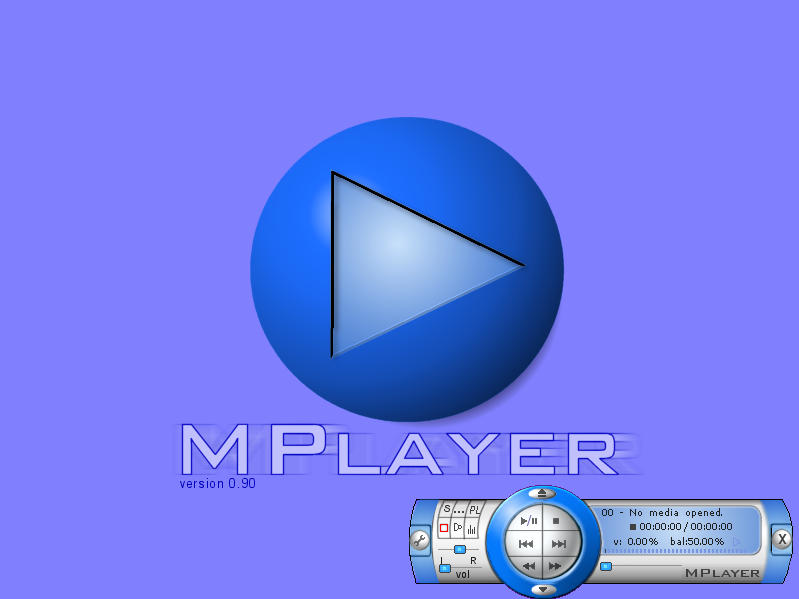
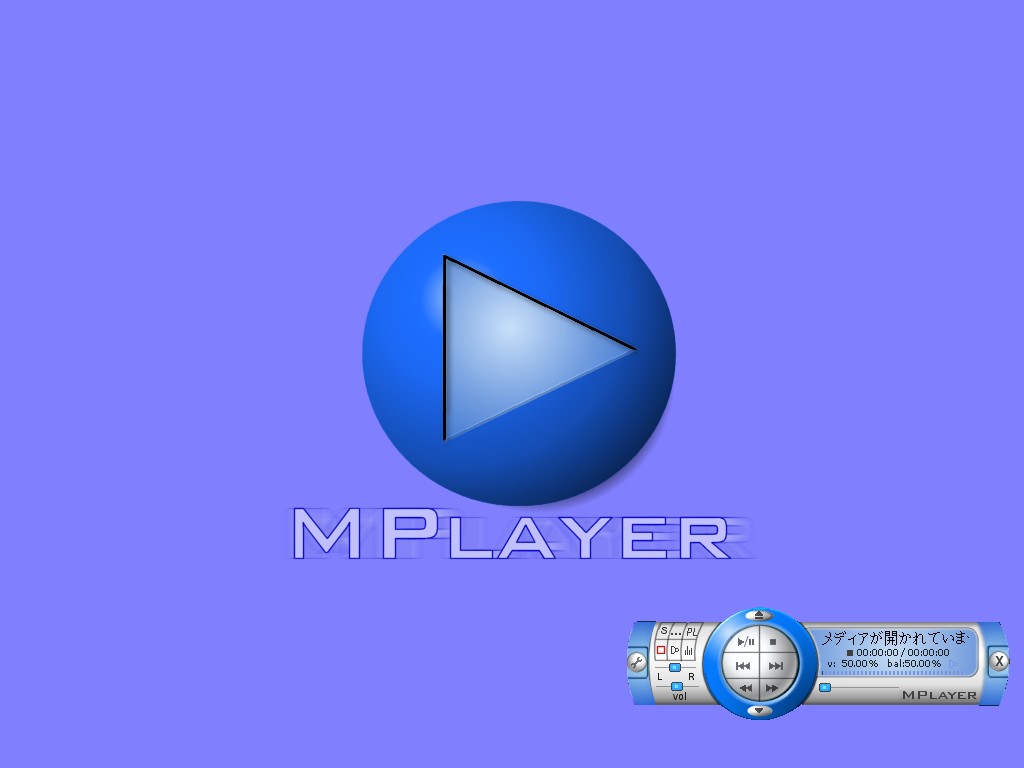
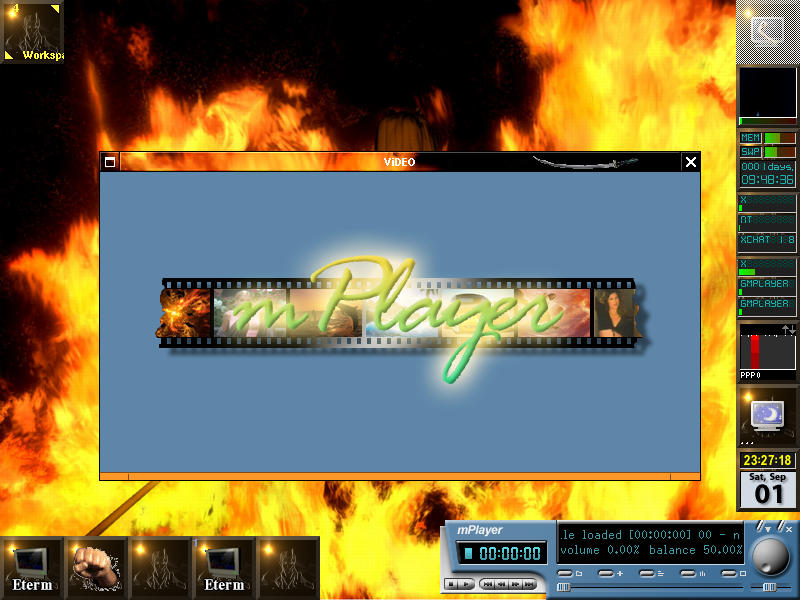
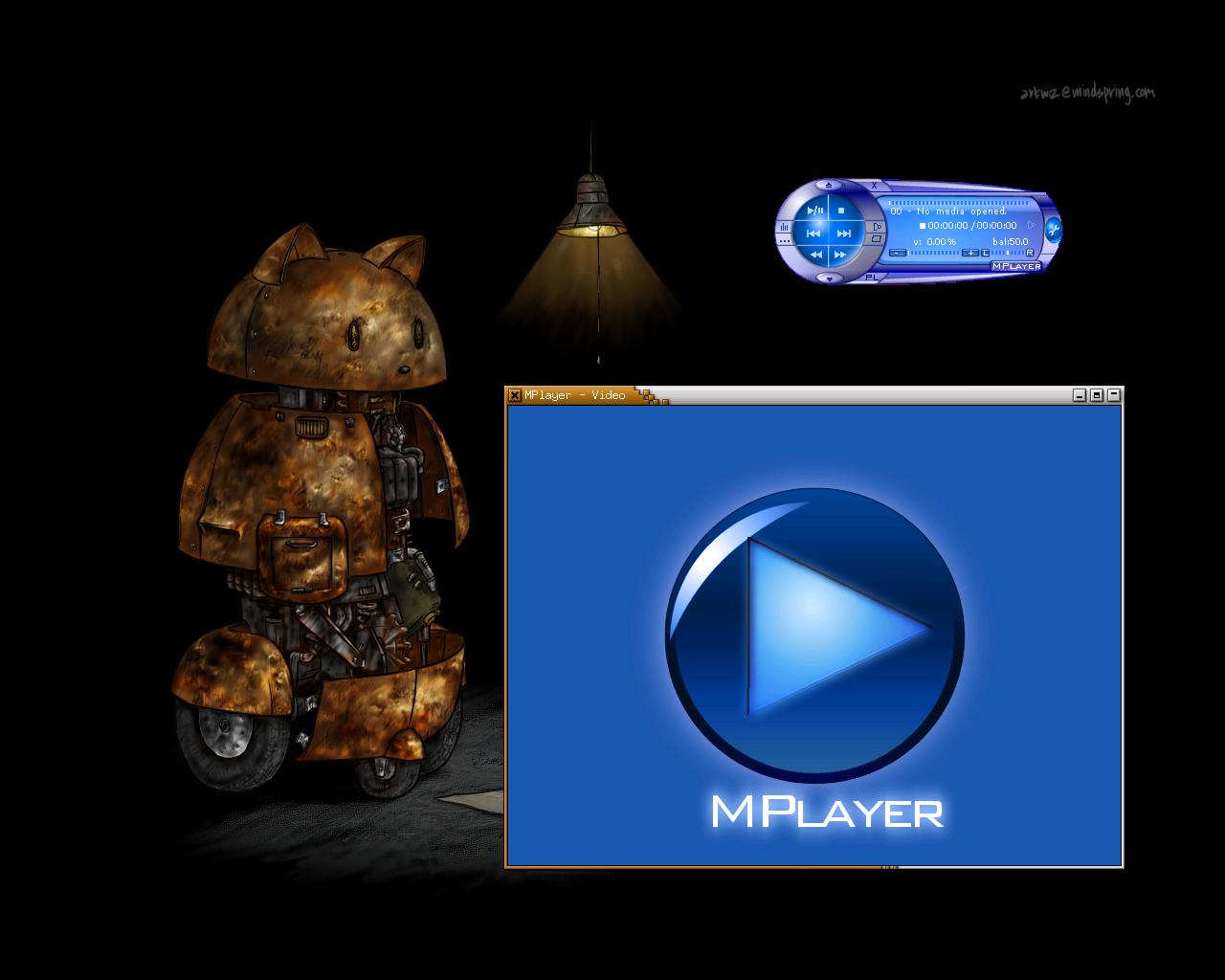
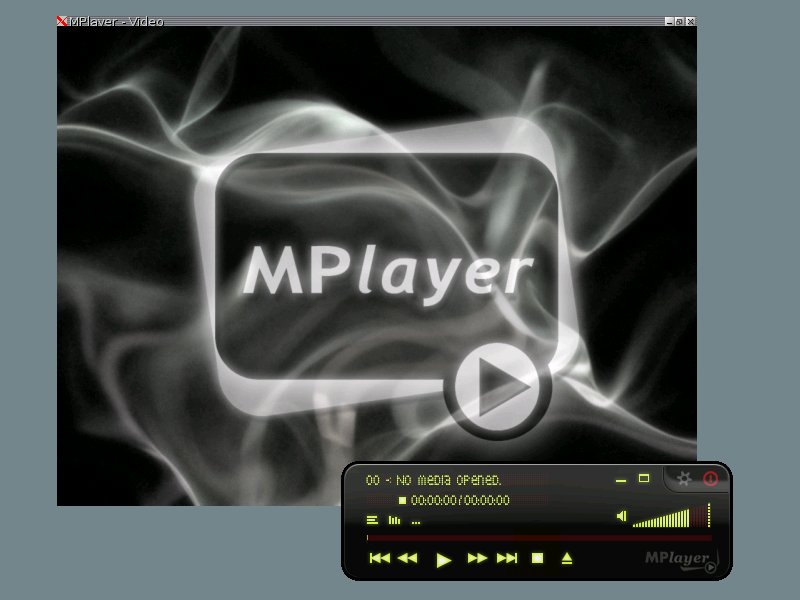
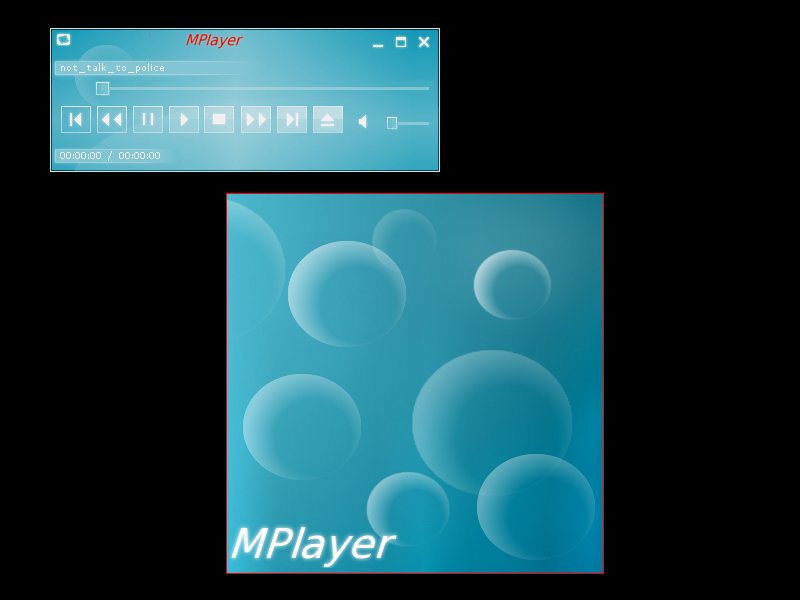
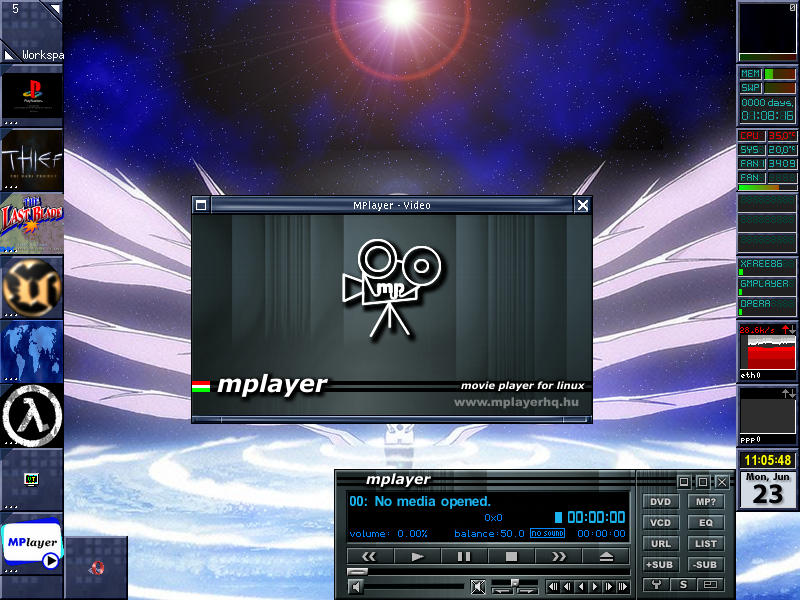
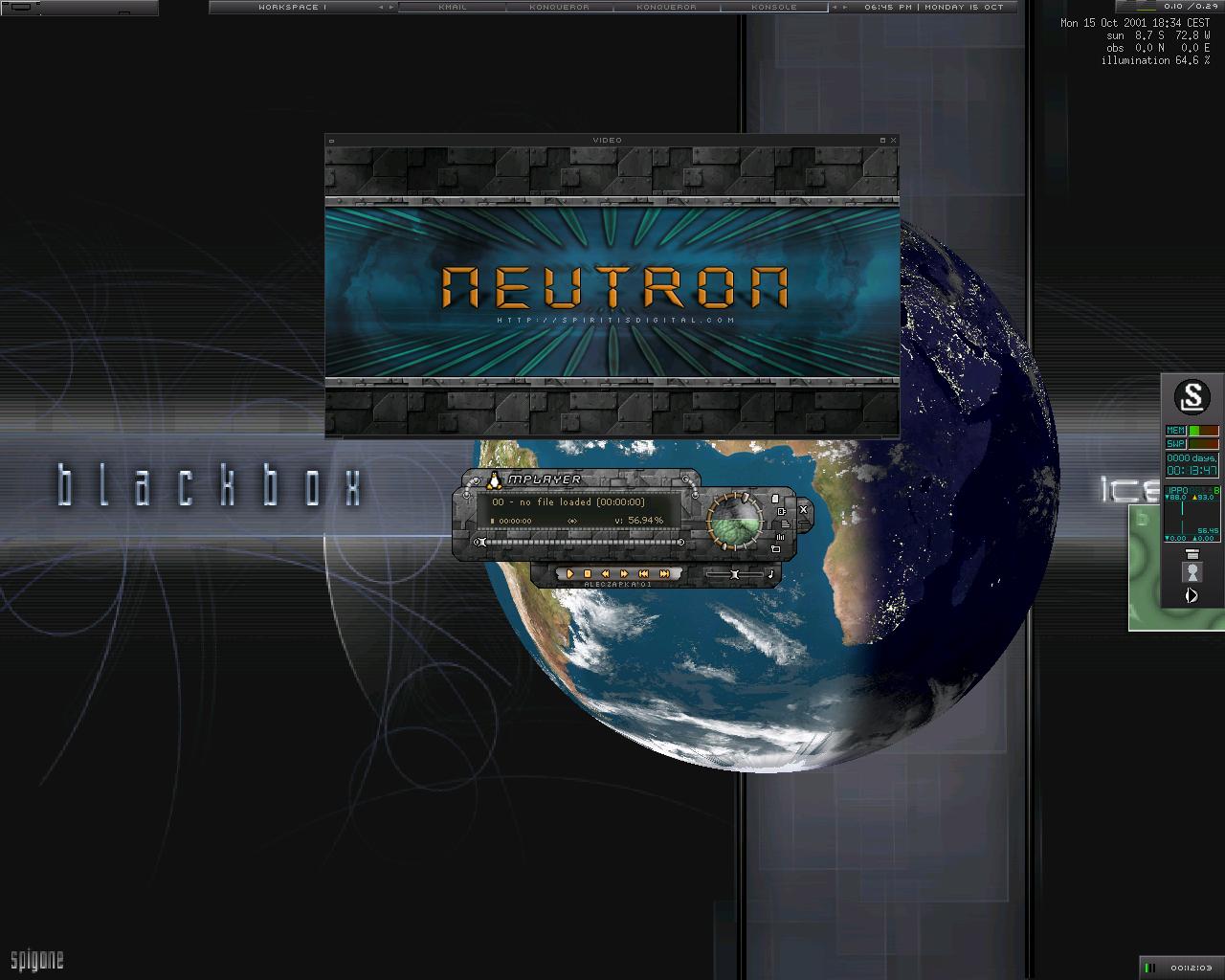
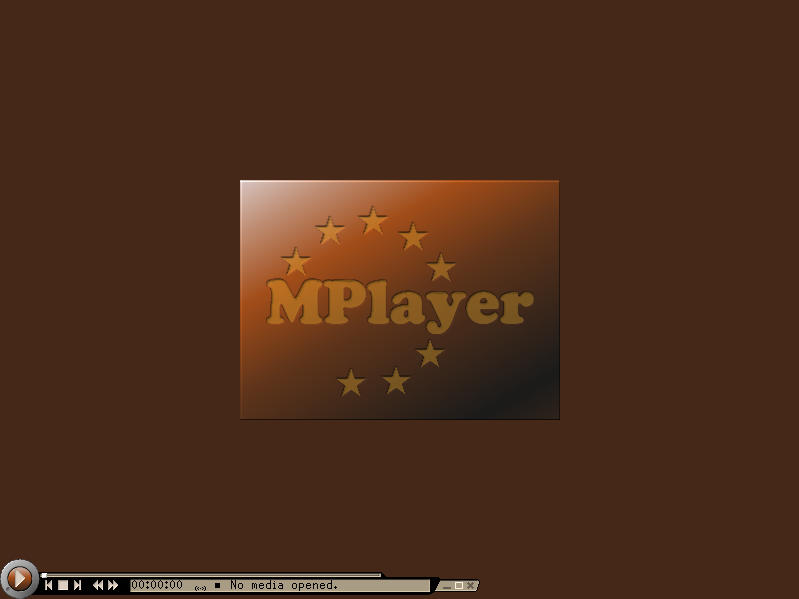
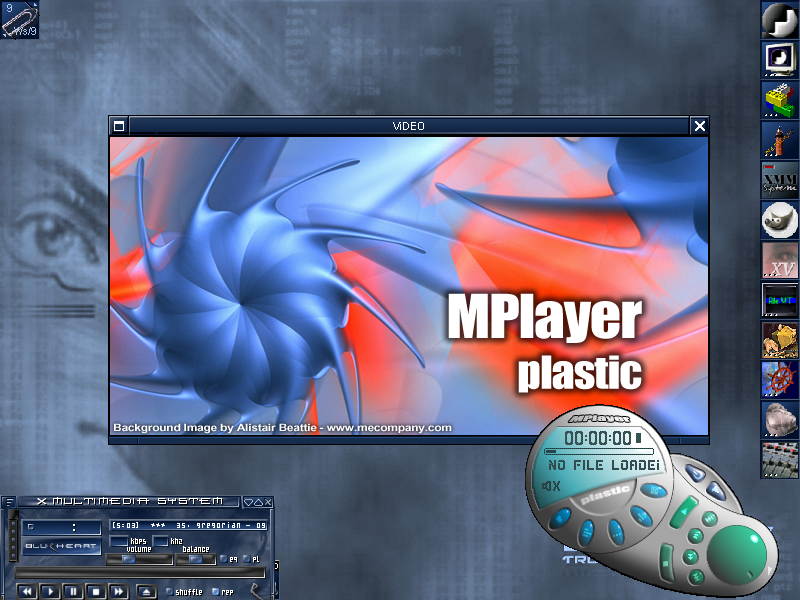
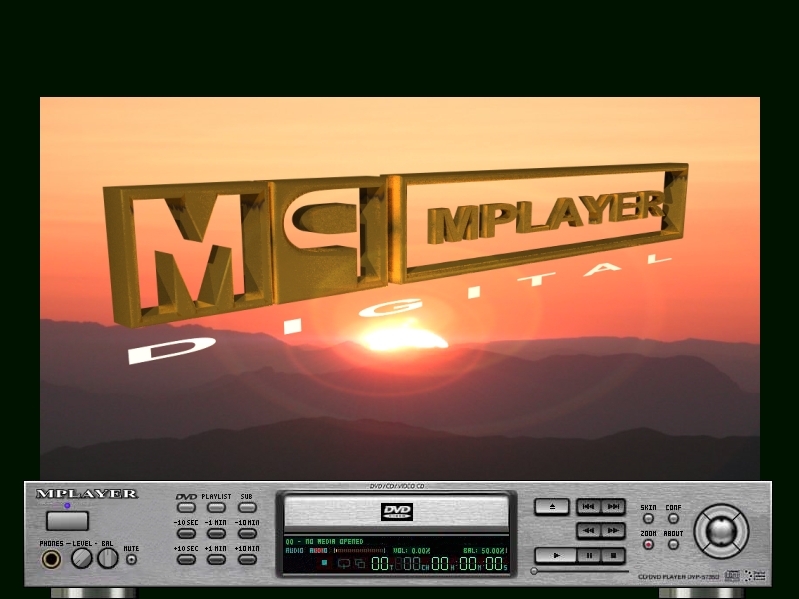
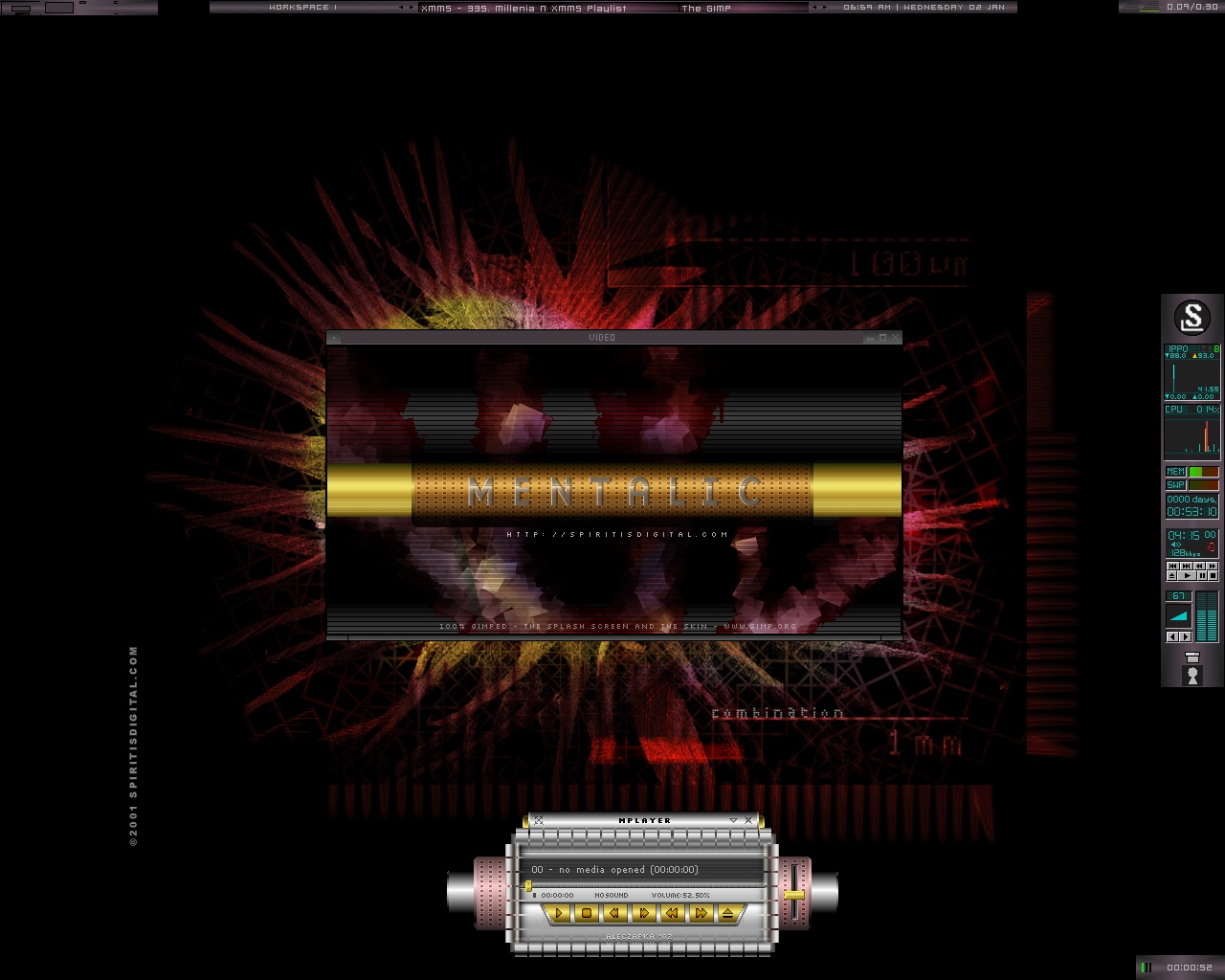
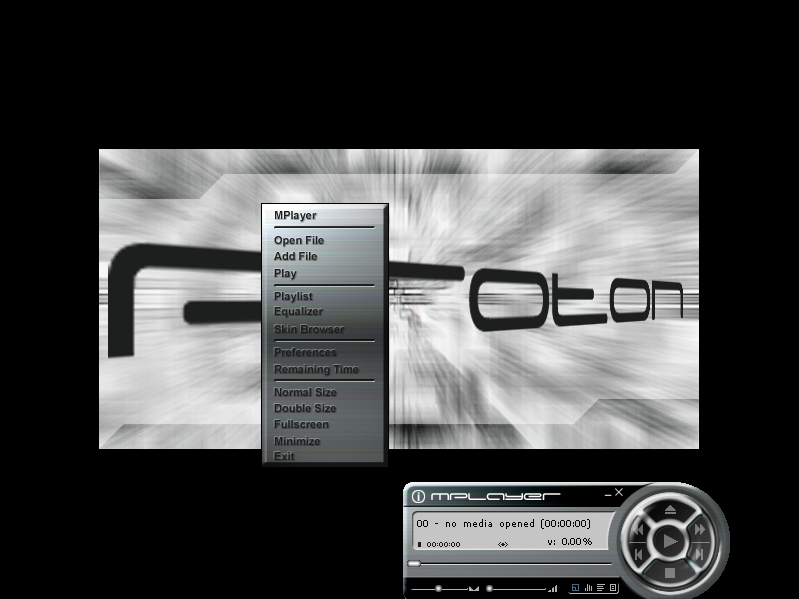
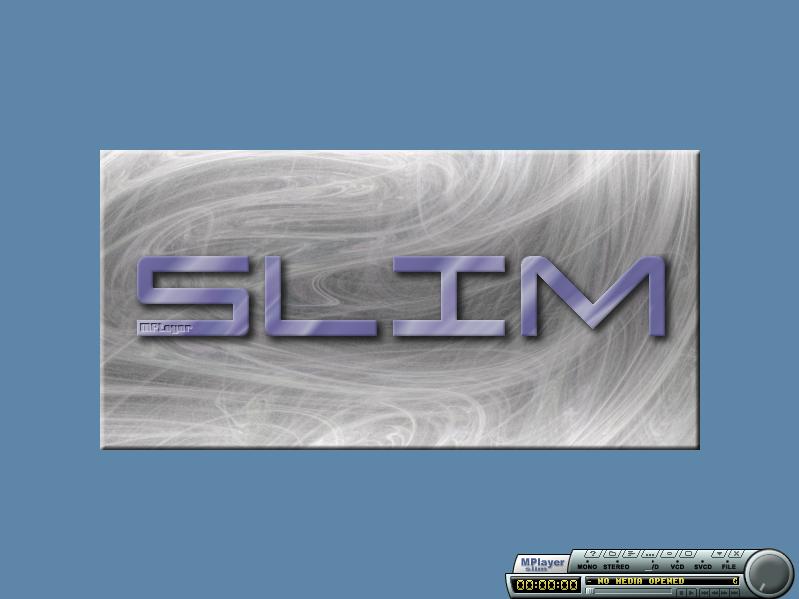
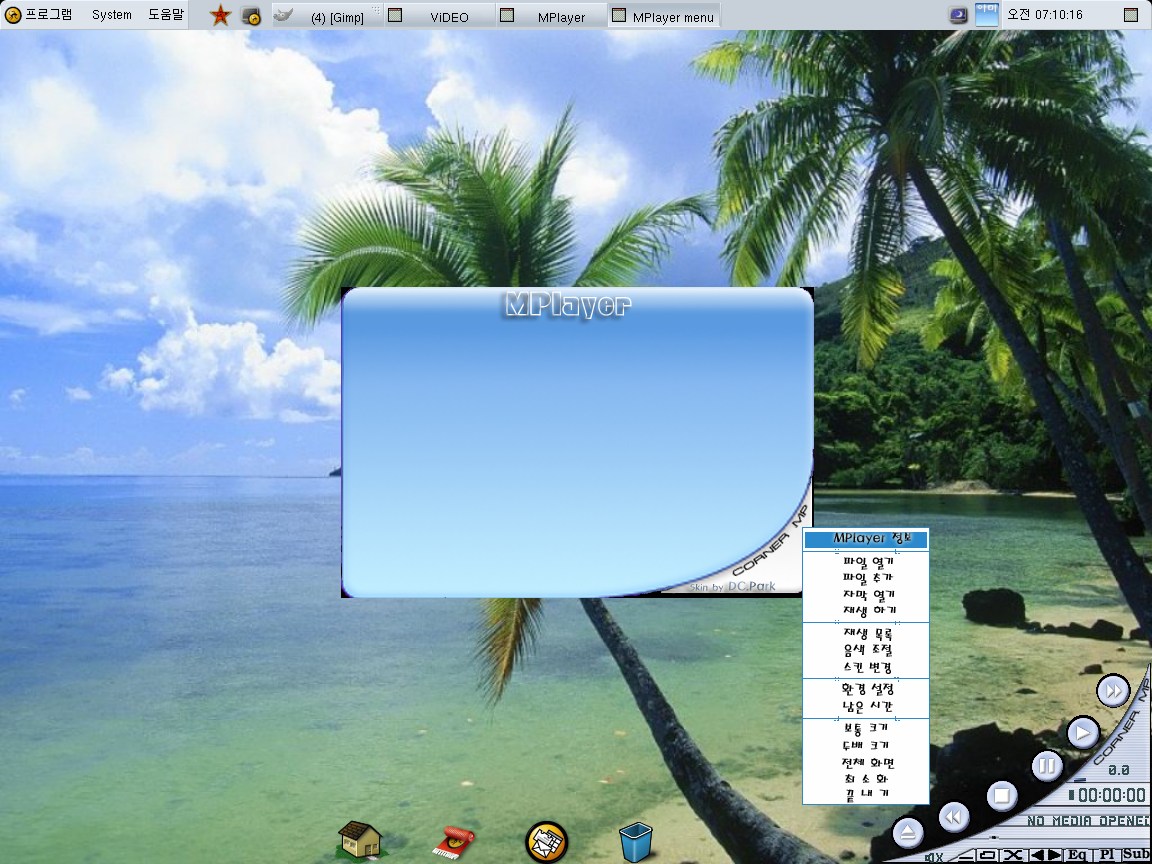
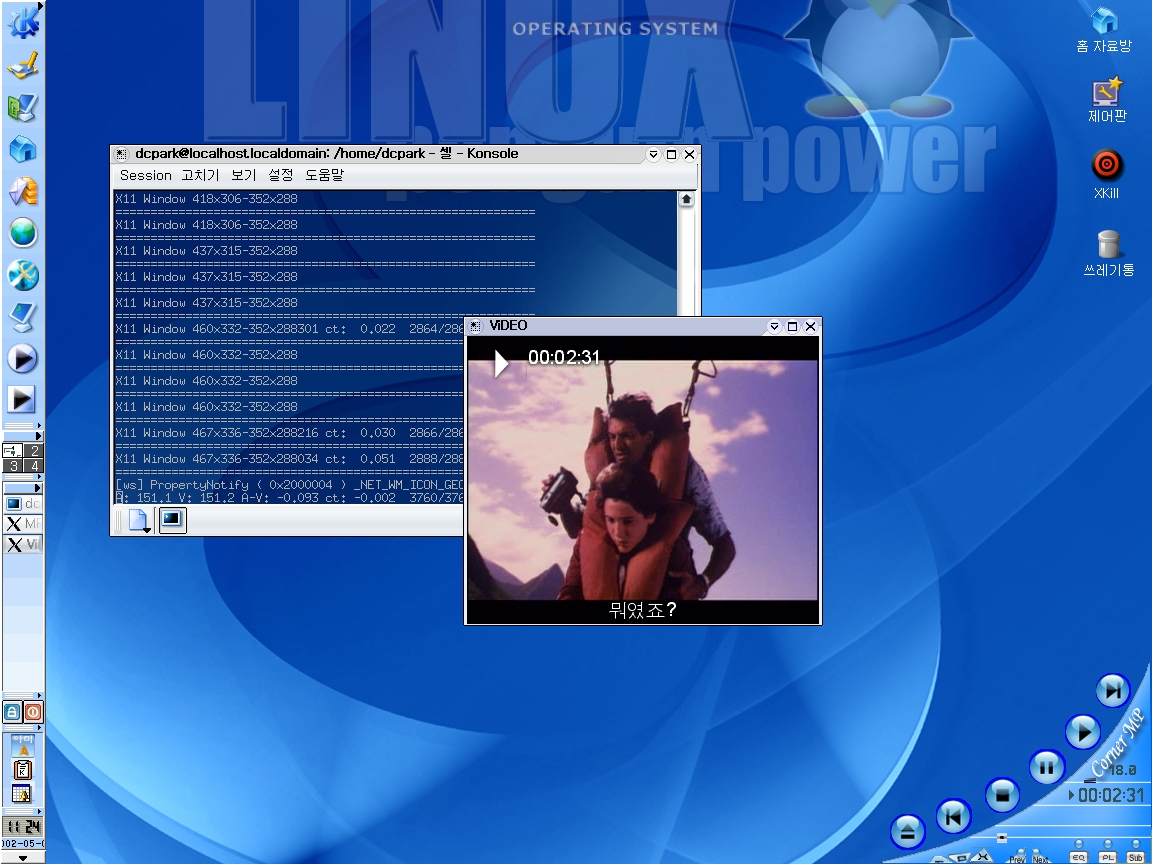
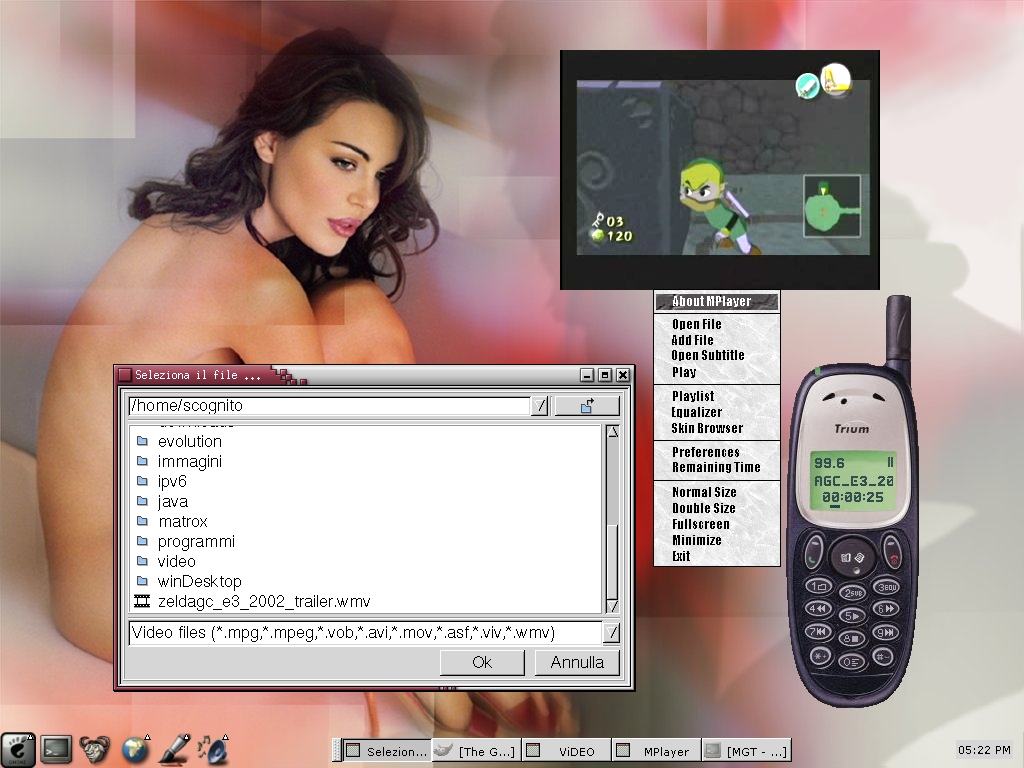
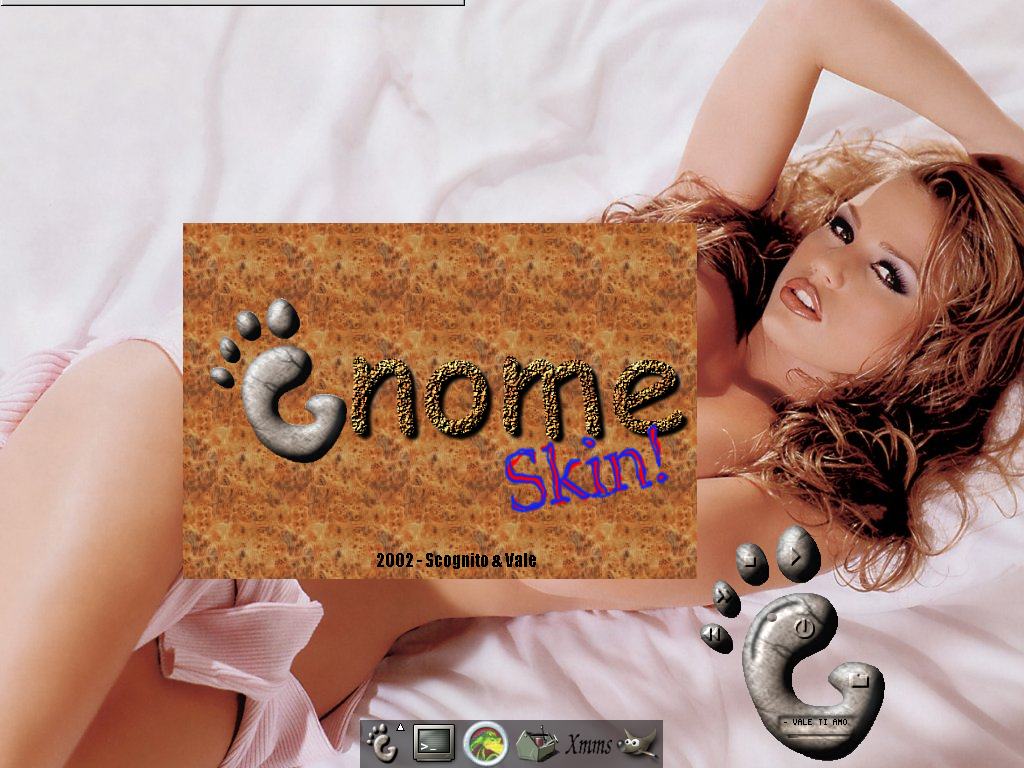
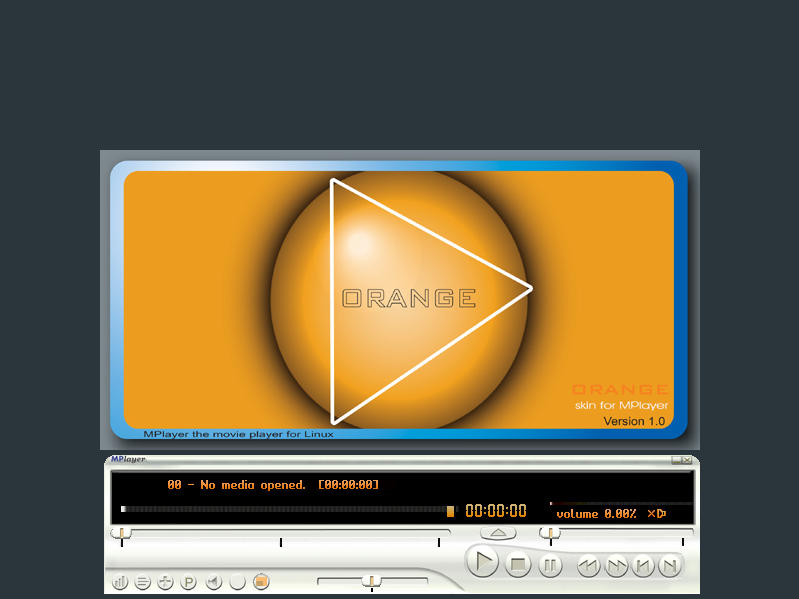
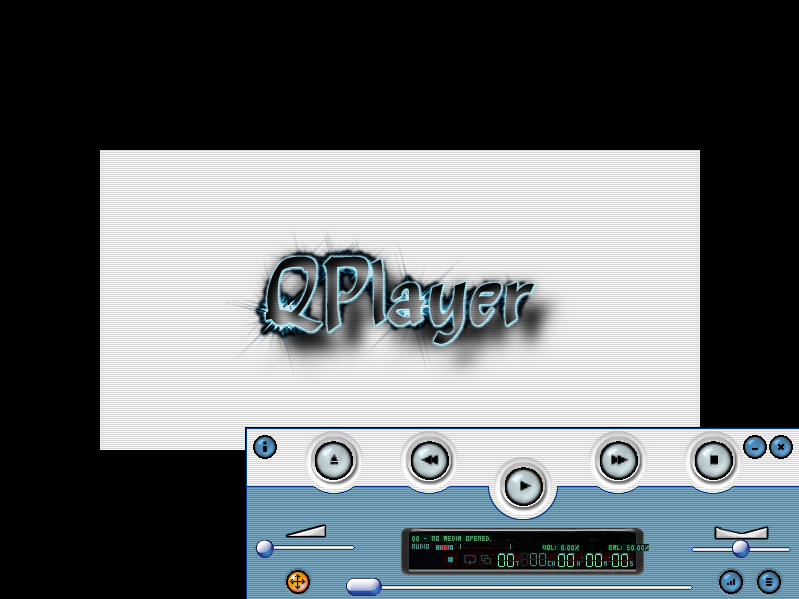
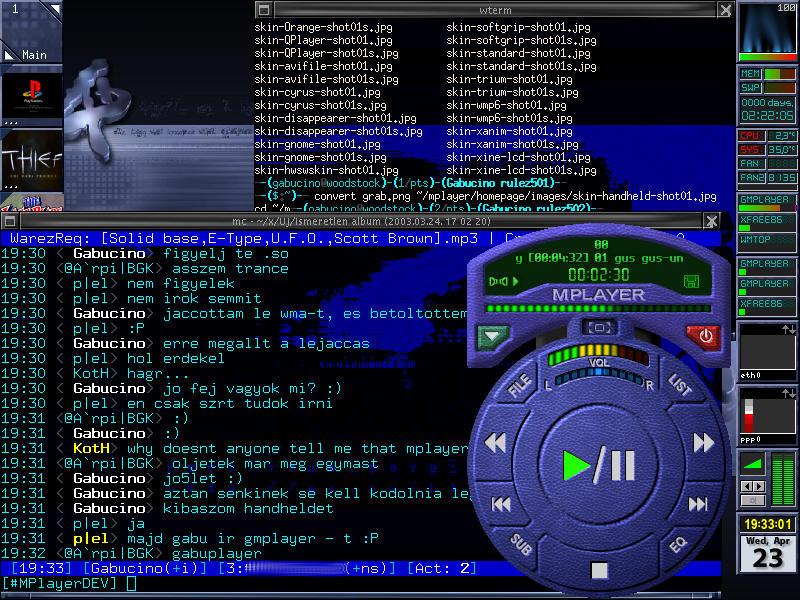
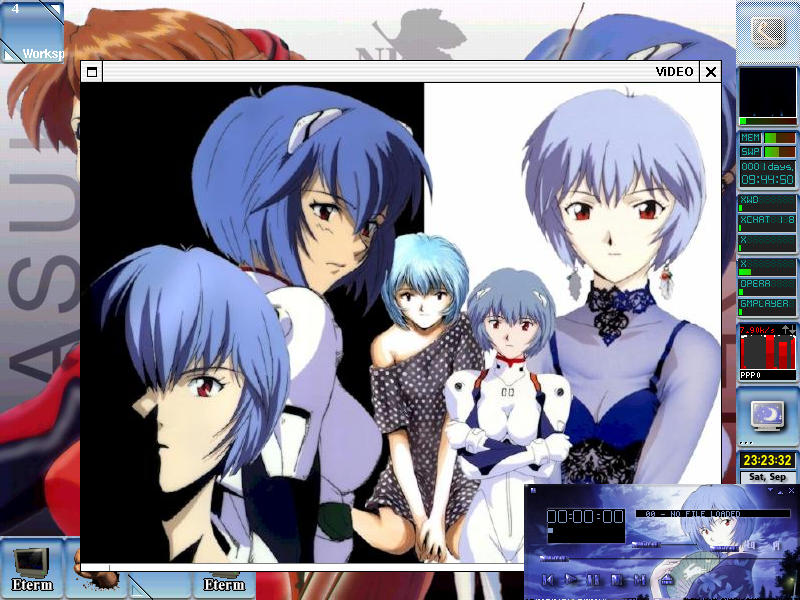
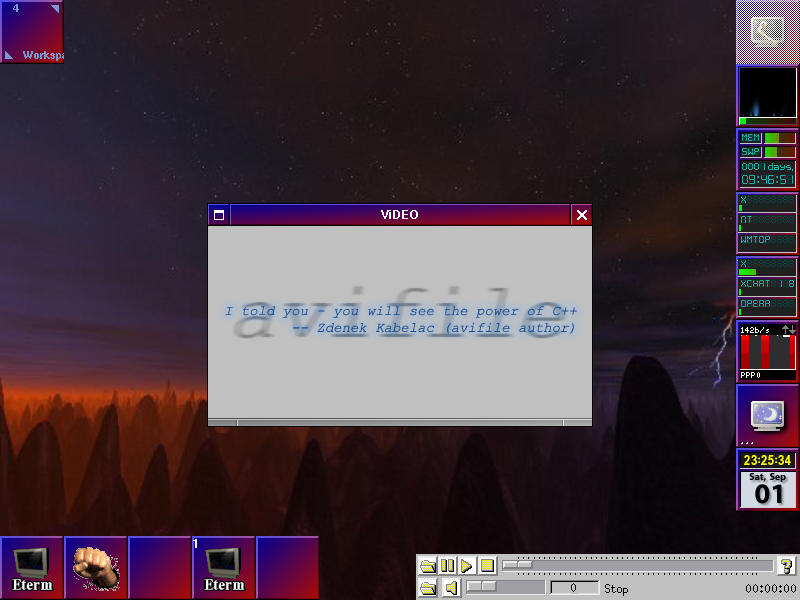
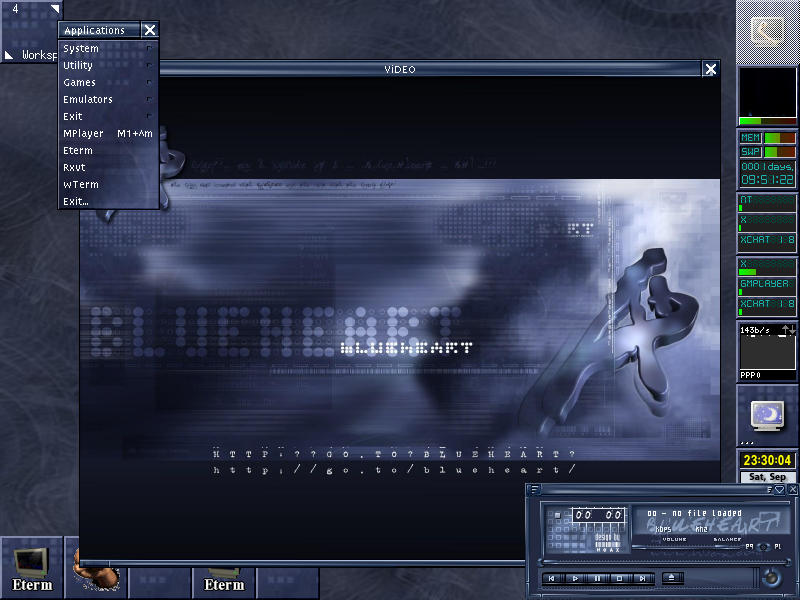
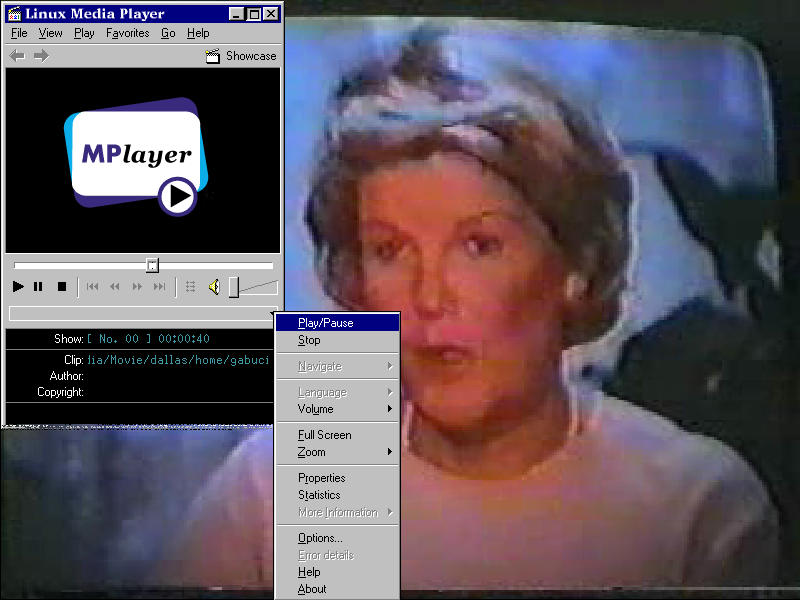
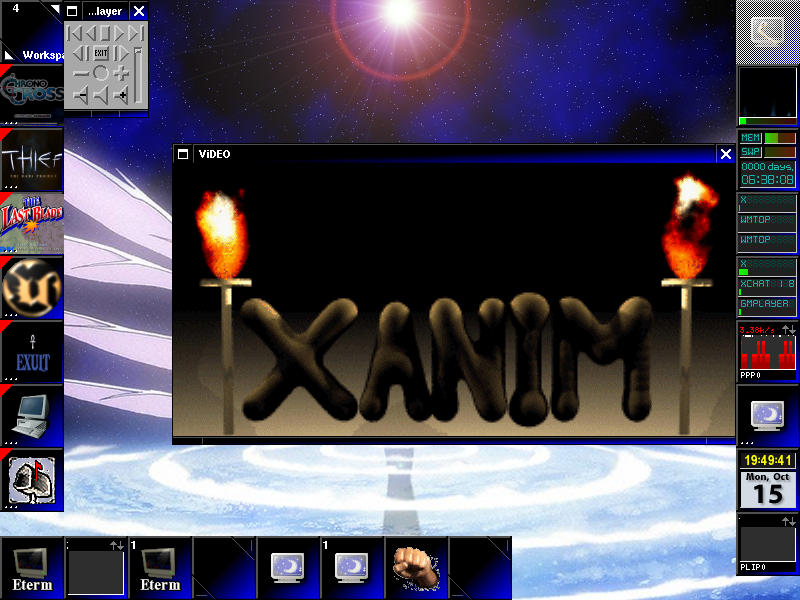
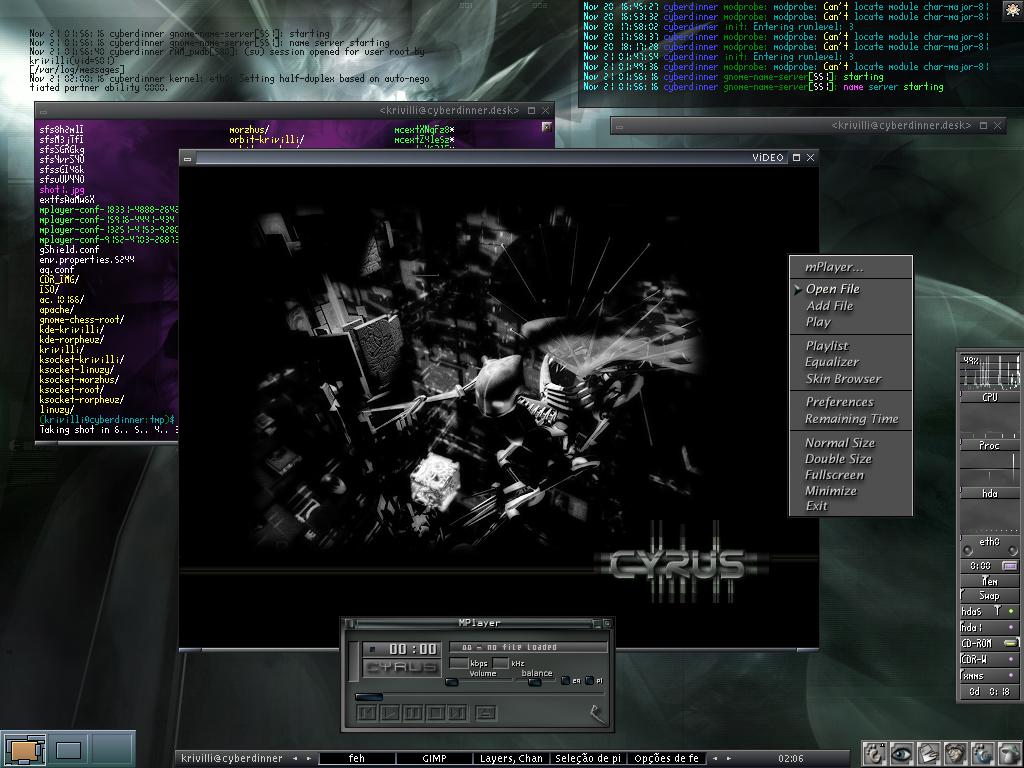
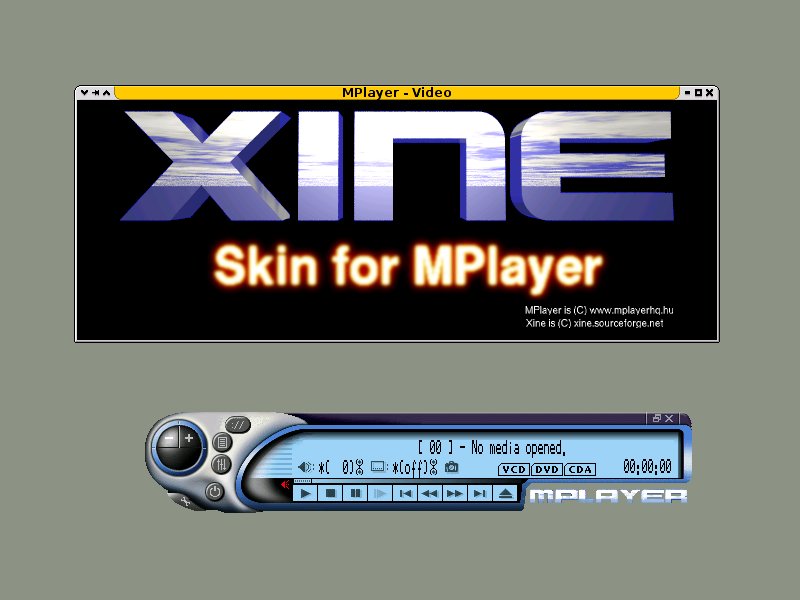
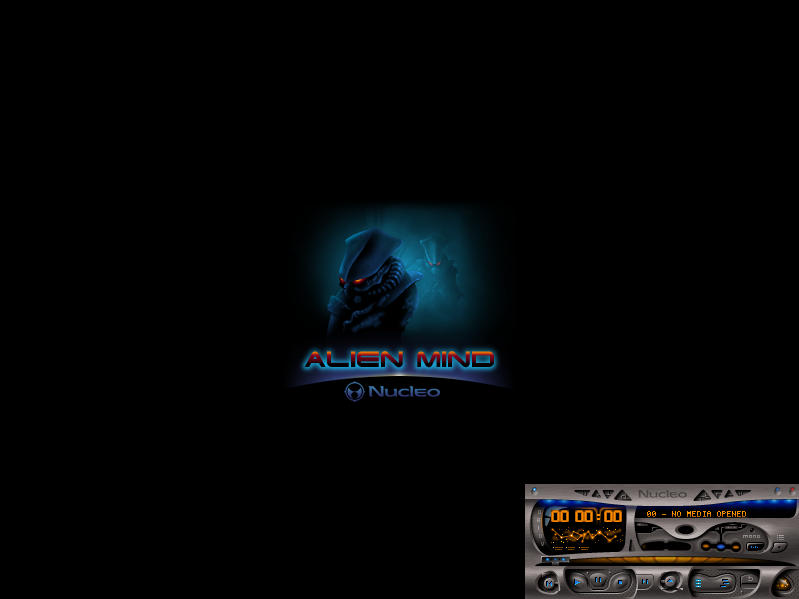
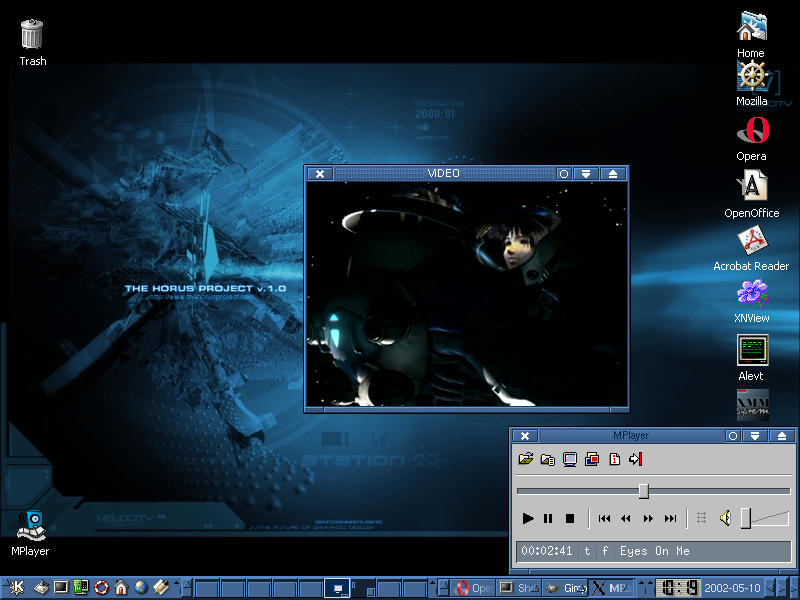
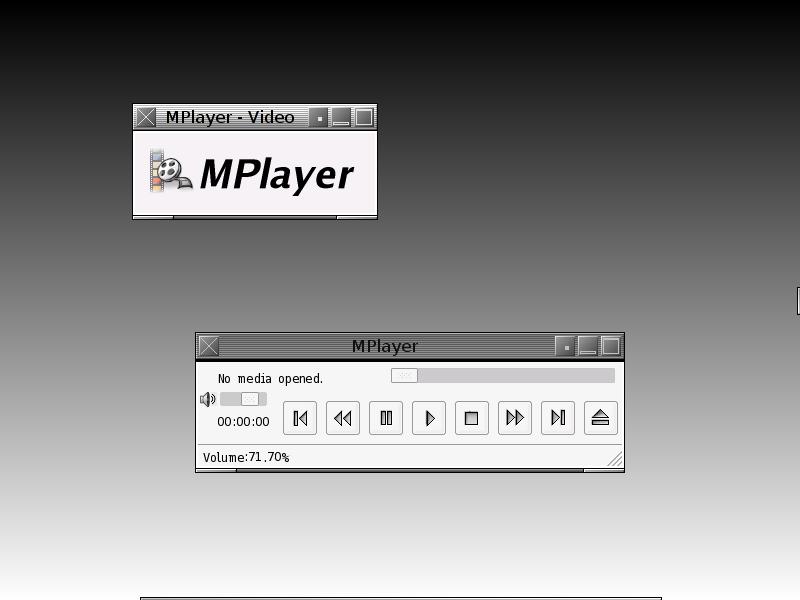
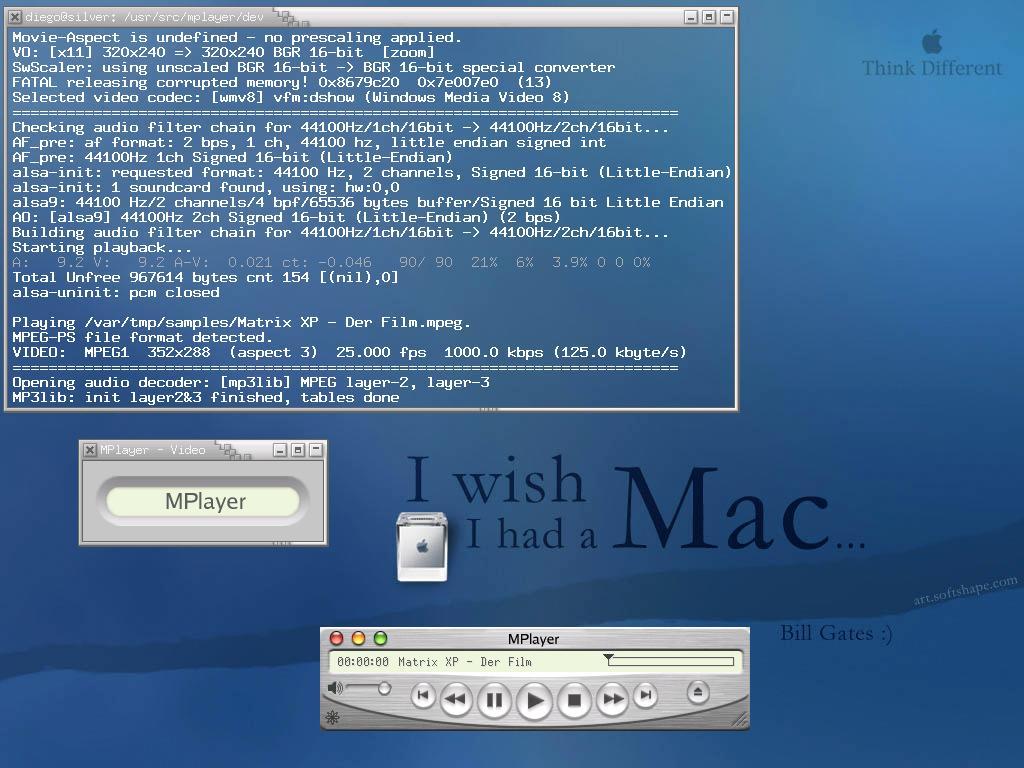
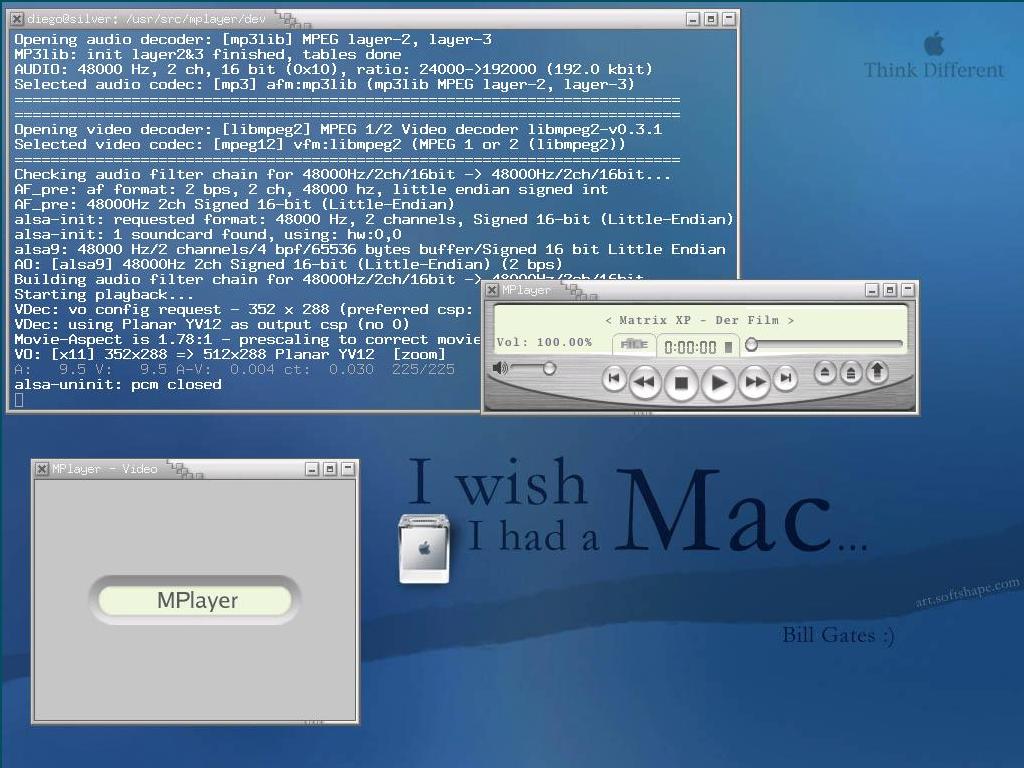
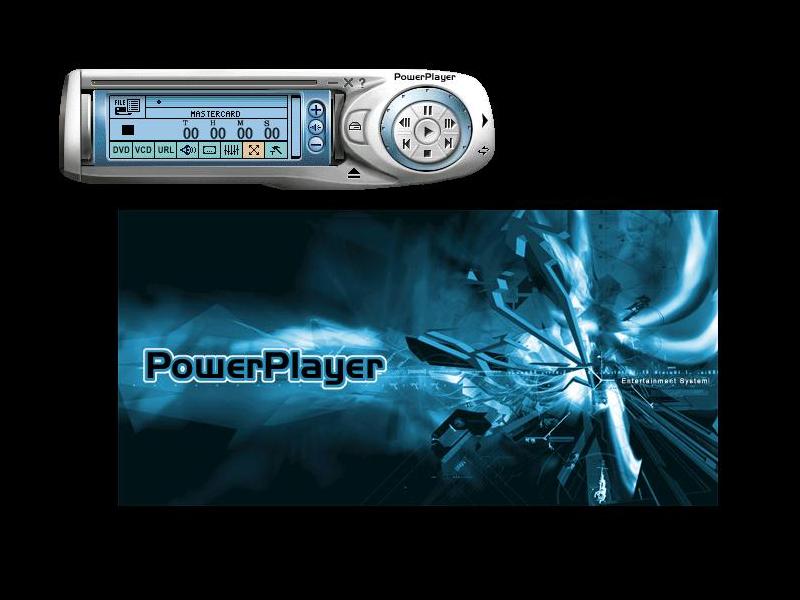
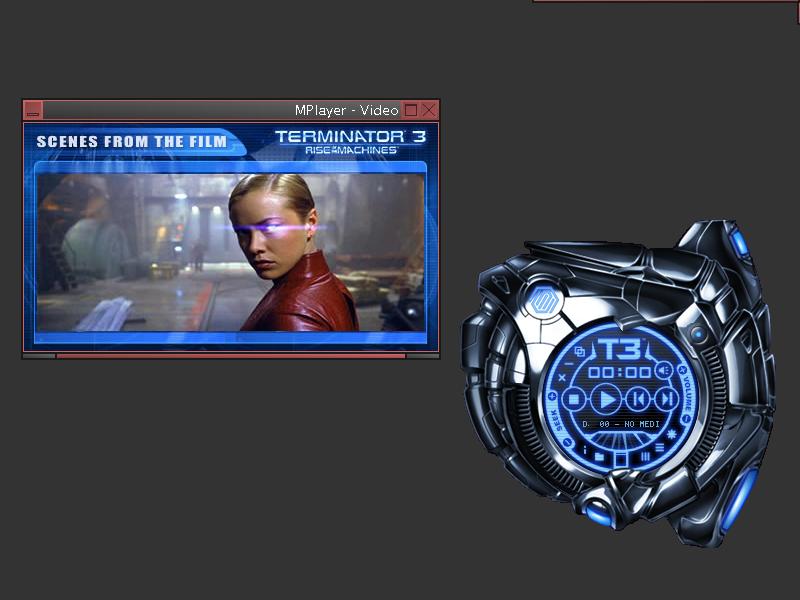
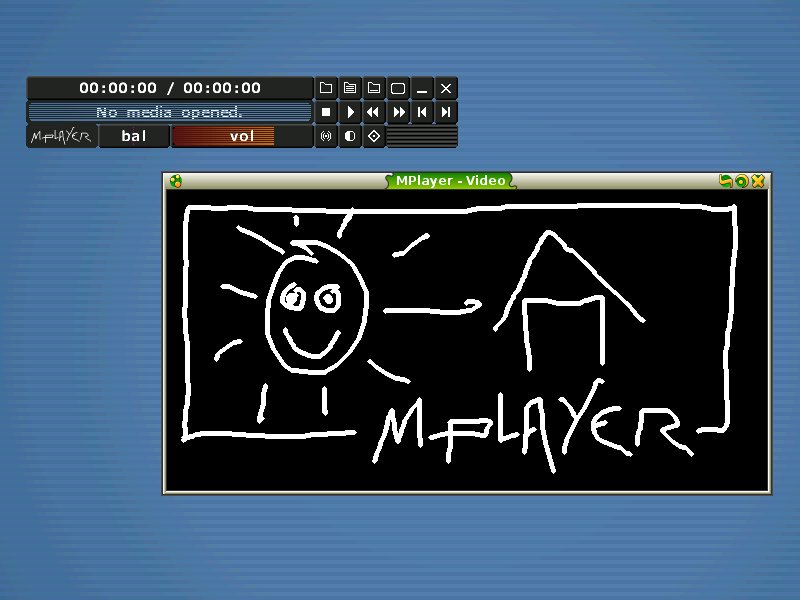
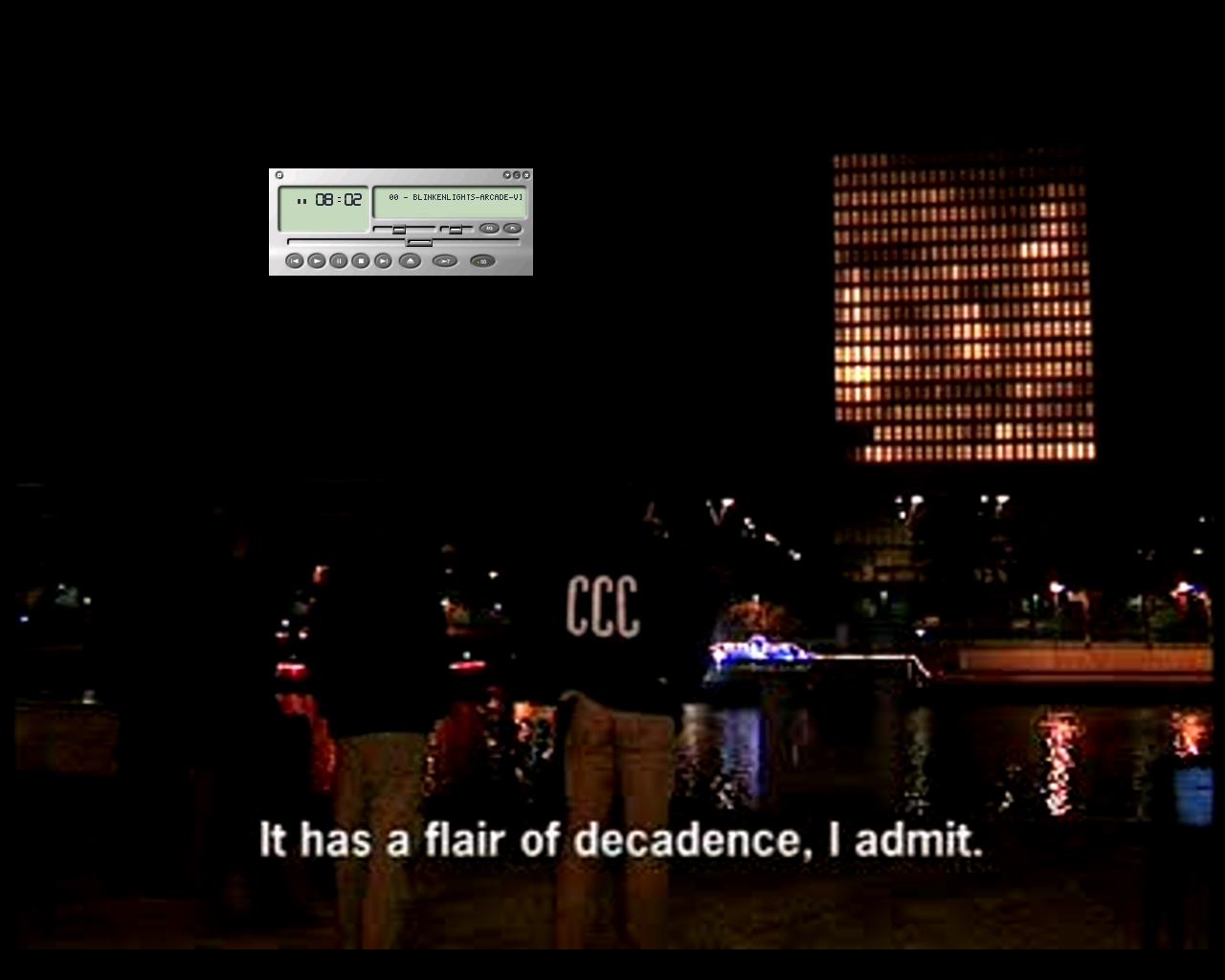
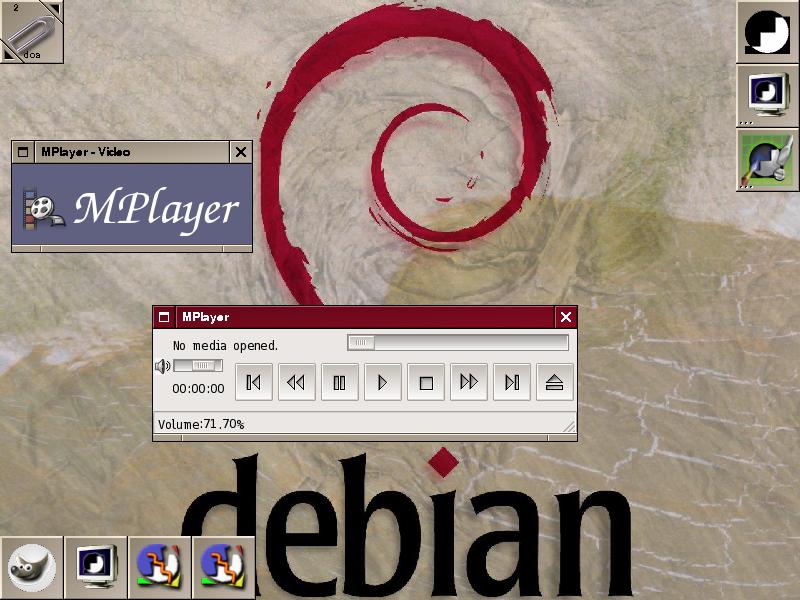
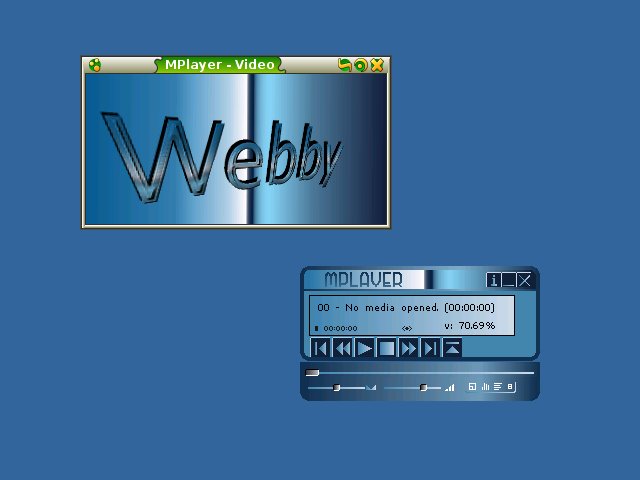
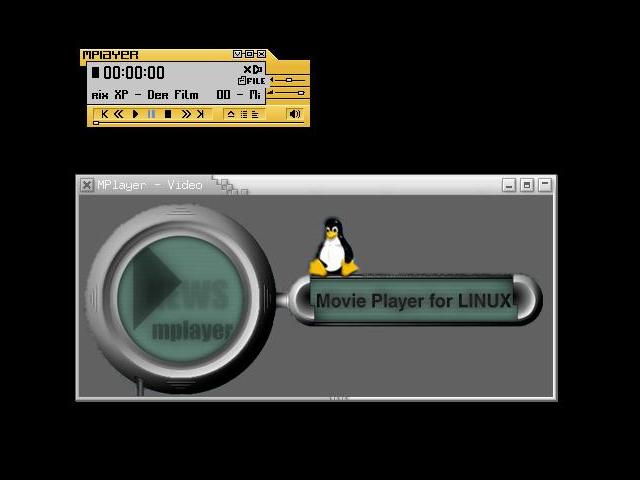
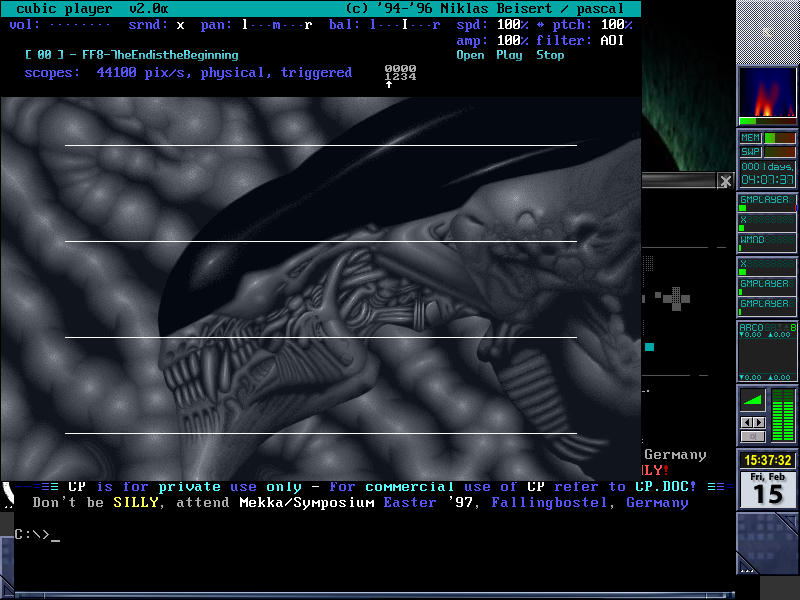
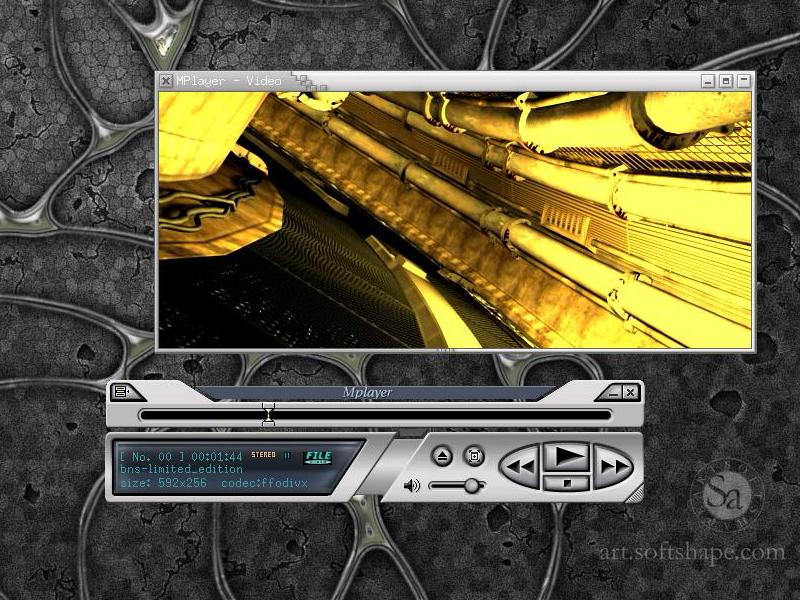
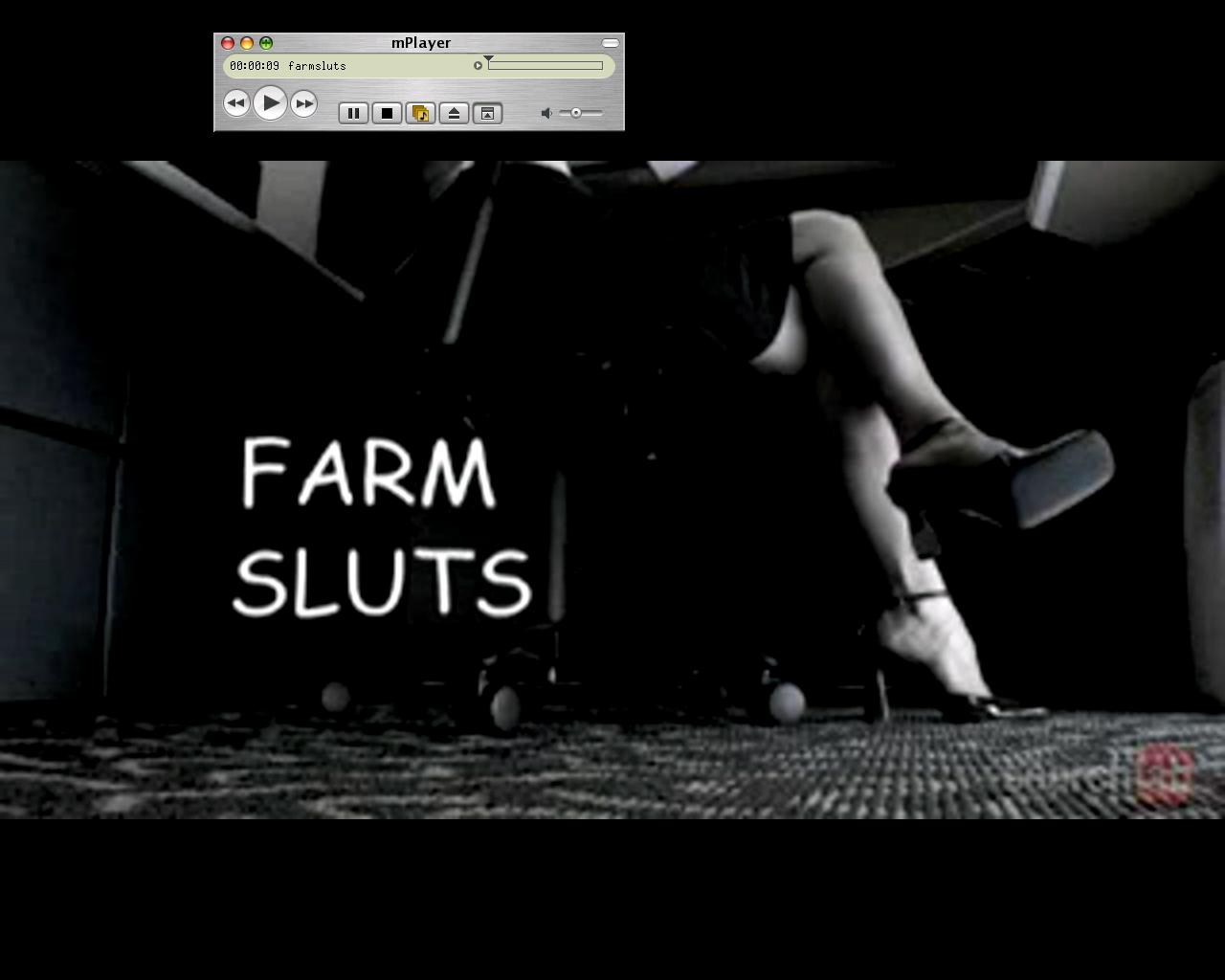
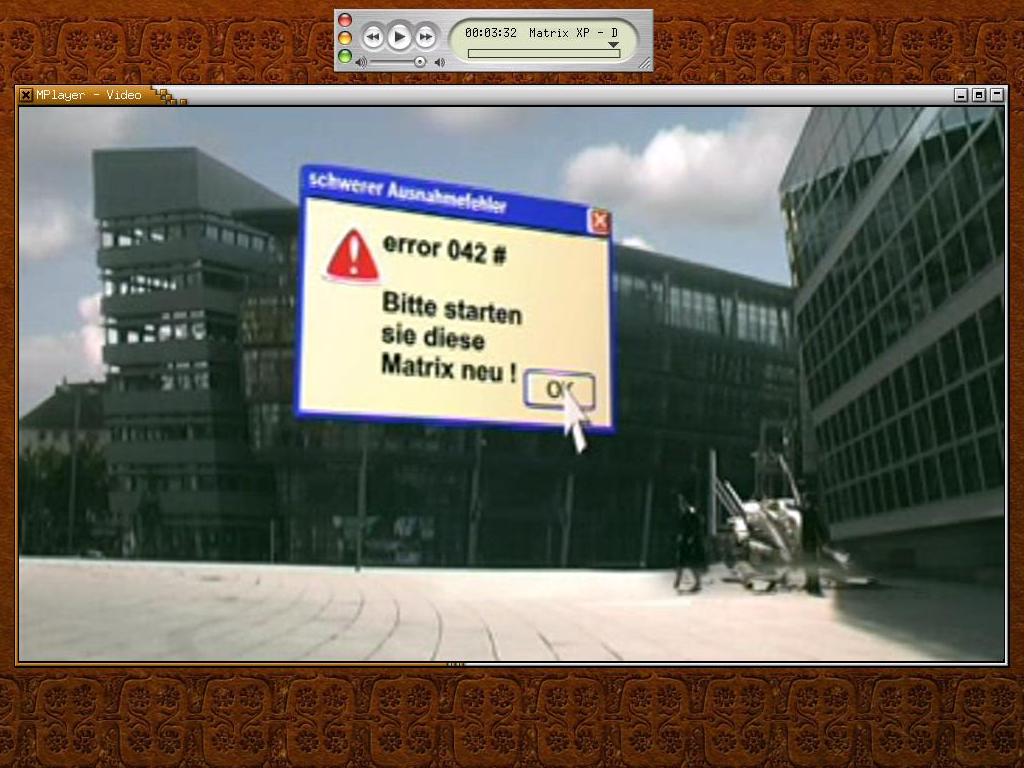
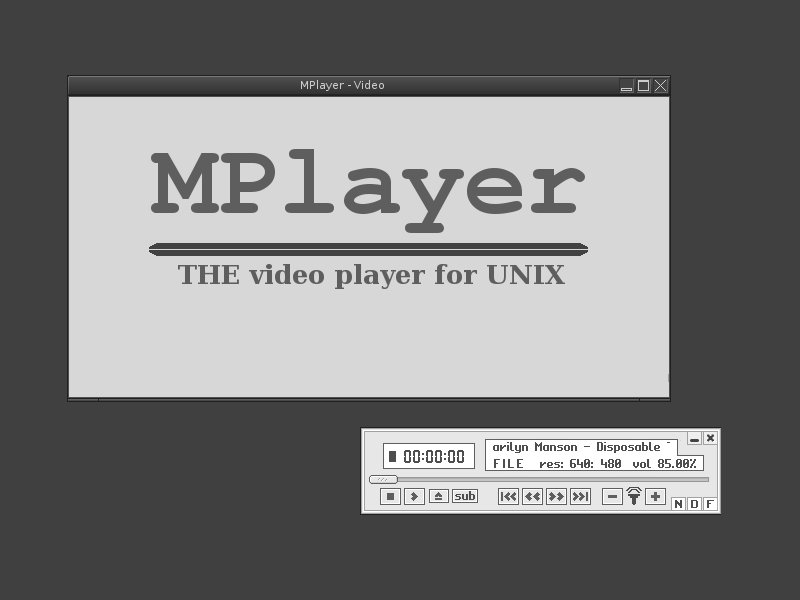
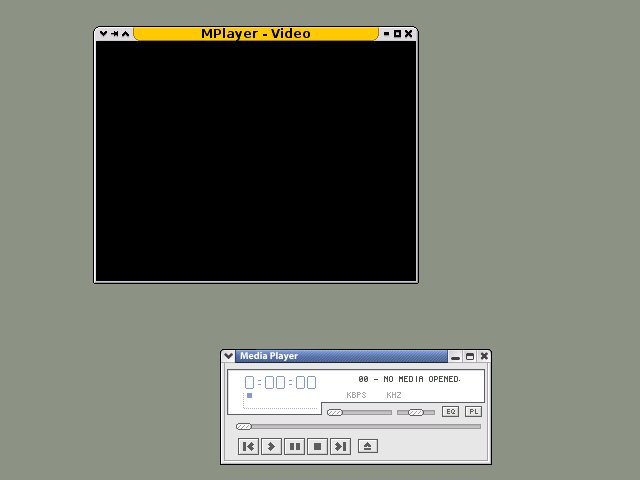
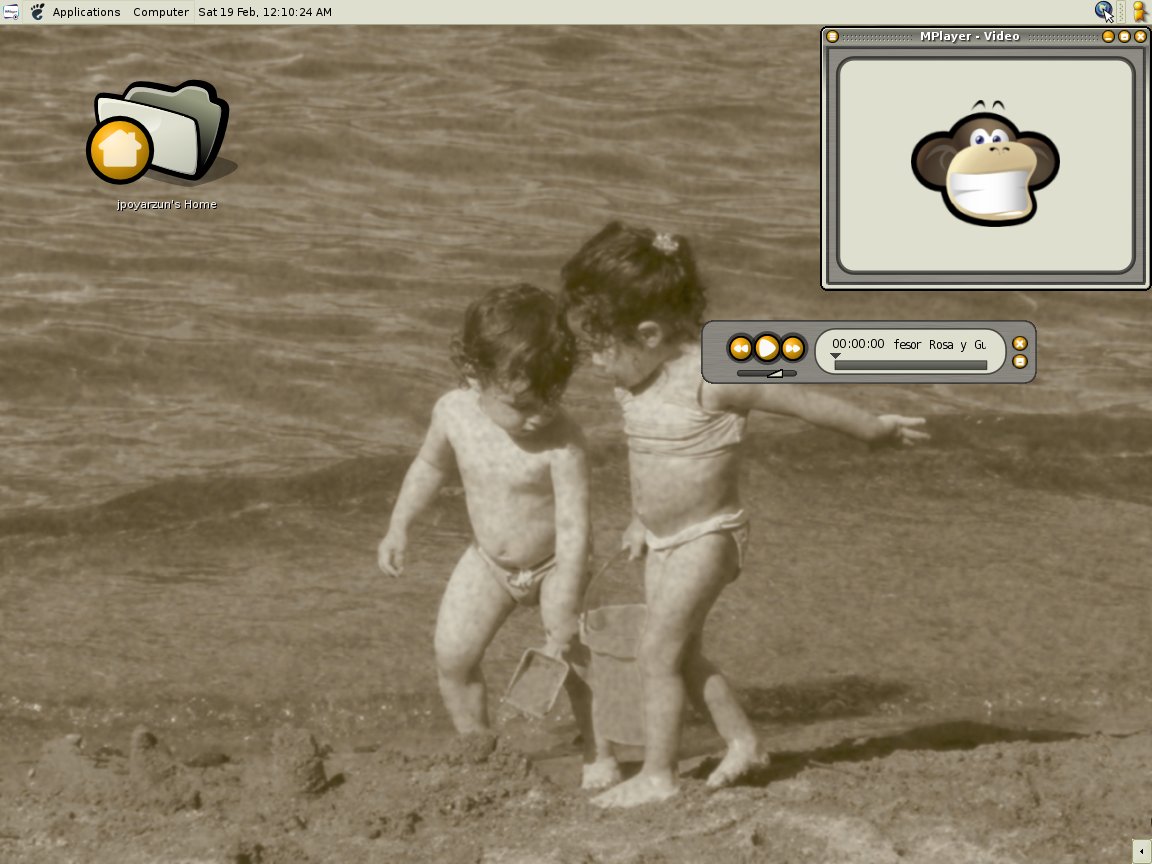
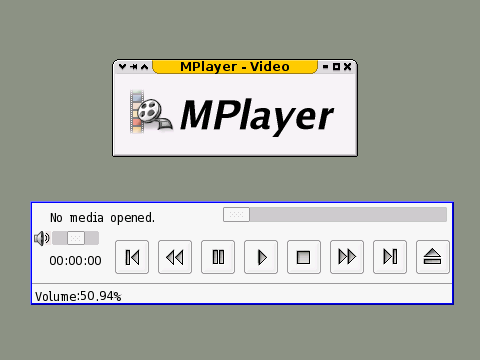
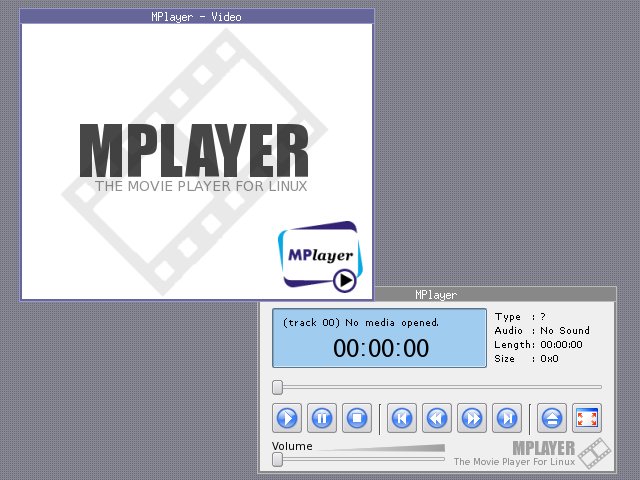
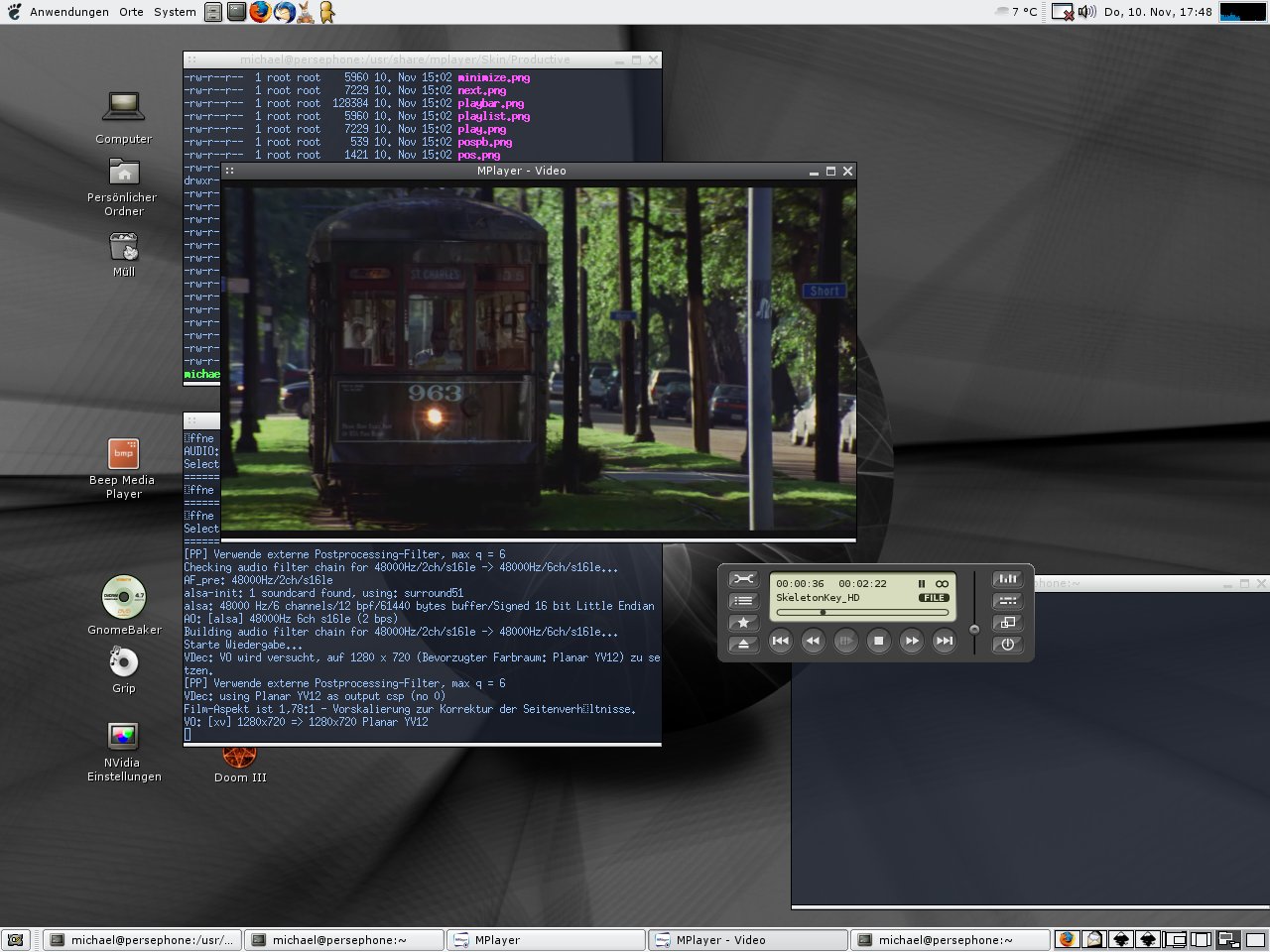
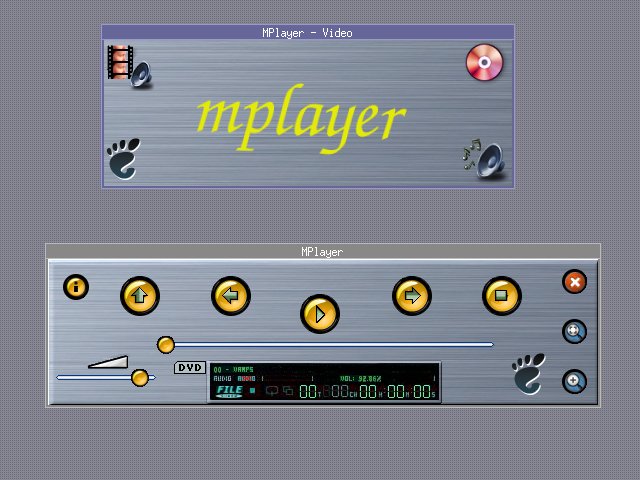
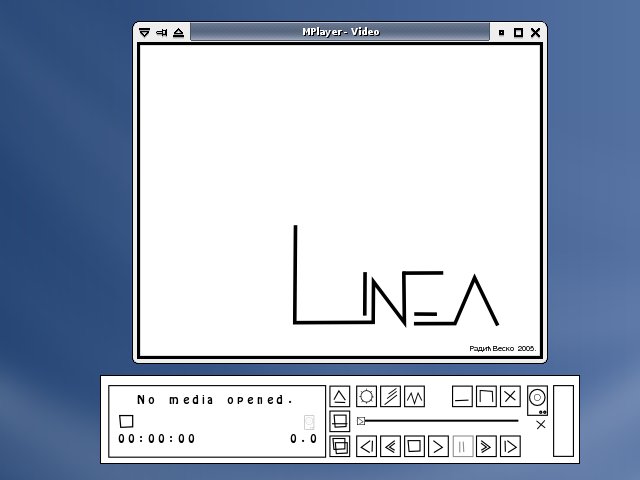
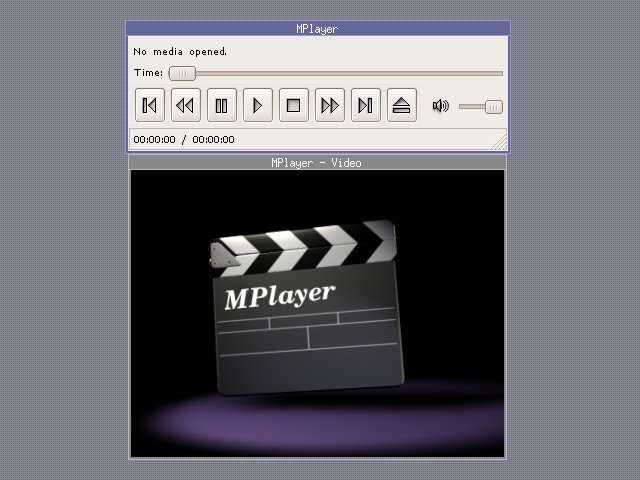
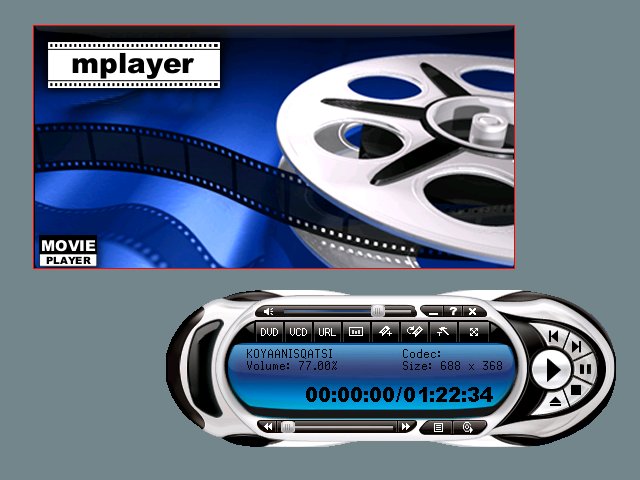
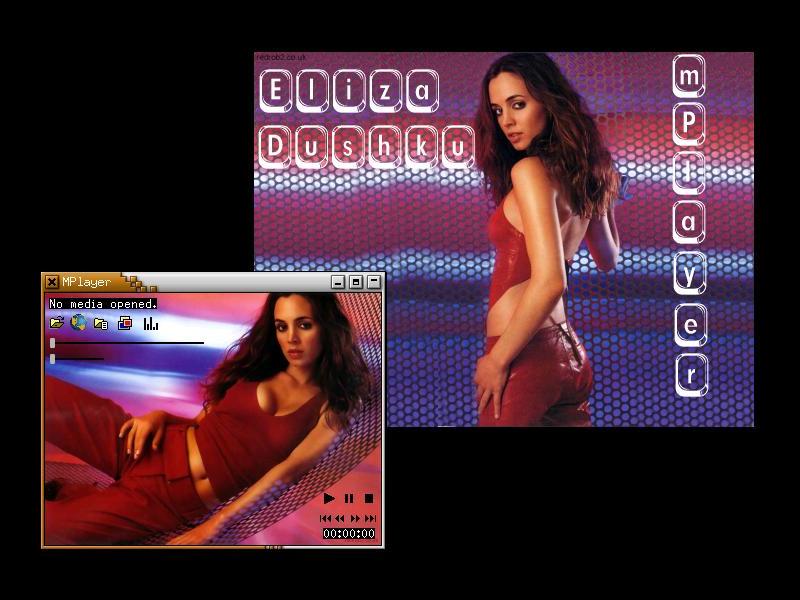
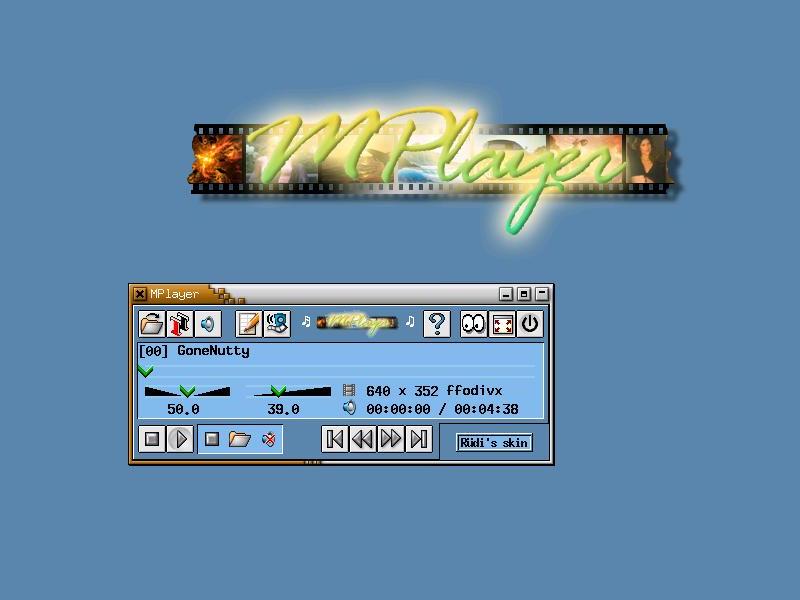
Click on skin names for screenshots.
Read the
README or the
GUI section
of the documentation to find out how to install skins.
We offer Debian packages of actively
maintained skins. (If your favorite skin is missing, drop us a note
in the user mailing list.)
If you want to create your own MPlayer GUI skin, read the
skin section
of the documentation. If you are content with your skin and wish to
have it added to the official skin collection, go over the
Creating quality skins guide
and submit the skin to us.
| Name |
Version |
Creator |
Description |
HTTP |
FTP |
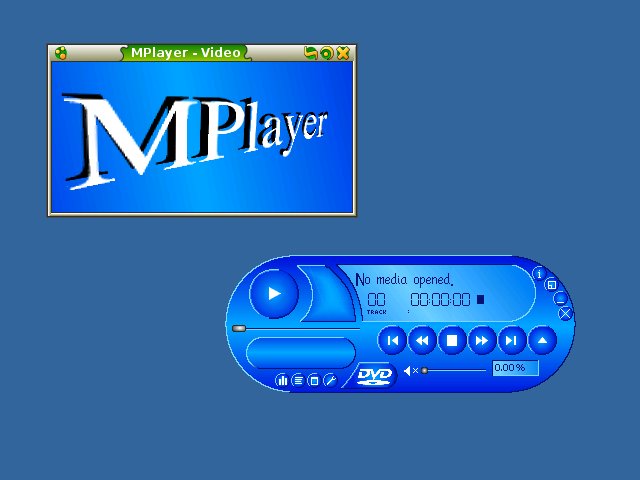
| Blue |
1.13 |
Xenomorph |
new default MPlayer skin3 |
HTTP
|
FTP
|
| Blue-multilingual |
1.13.8 |
Xenomorph, Ingo Brückl |
Blue, multilingual1 |
HTTP
|
FTP
|
| Blue-small |
1.11 |
Xenomorph |
compact version3 |
HTTP
|
FTP
|
| Clearlooks |
2.0 |
Ingo Brückl |
modern Clearlooks2 |
HTTP
|
FTP
|
| Clearlooks-multilingual |
2.0.8 |
Ingo Brückl |
modern Clearlooks, multilingual1 |
HTTP
|
FTP
|
| Noskin |
1.0 |
Ingo Brückl |
most minimal, like plain MPlayer (built-in part of the GUI since 2021-02-26) |
HTTP
|
FTP
|
| standard |
1.12 |
FRD (Viktor Bekesi) |
old default skin |
HTTP
|
FTP
|
| Abyss |
1.7 |
Xenomorph |
beautiful MPlayer skin |
HTTP
|
FTP
|
| Ater |
1.2 |
Laszlo Simon |
dark, cool-looking |
HTTP
|
FTP
|
| pcland |
1.1 |
Pcland.hu |
blue waves |
HTTP
|
FTP
|
| Corelian |
1.2 |
LUIGI |
plain look |
HTTP
|
FTP
|
| neutron |
1.6 |
Oliwier Ptak |
futuristic look |
HTTP
|
FTP
|
| disappearer |
1.2 |
Alban Hertroys |
very slim skin |
HTTP
|
FTP
|
| plastic |
1.3 |
FRD (Viktor Bekesi) |
plastic remote control skin |
HTTP
|
FTP
|
| phony |
1.2 |
Jurgen Pehrson |
desktop DVD player skin |
HTTP
|
FTP
|
| mentalic |
1.4 |
Oliwier Ptak |
sharp and shiny |
HTTP
|
FTP
|
| proton |
1.3 |
Pasquale Riccio |
silver, shiny |
HTTP
|
FTP
|
| slim |
1.3 |
FRD (Viktor Bekesi) |
small and cute |
HTTP
|
FTP
|
| CornerMP |
1.3 |
DC.Park |
WinAMP corner skin |
HTTP
|
FTP
|
| CornerMP-aqua |
1.5 |
DC.Park |
WinAMP corner skin |
HTTP
|
FTP
|
| trium |
1.4 |
Scognito |
based on a mobile phone |
HTTP
|
FTP
|
| gnome |
1.1 |
Scognito |
based on the GNOME logo |
HTTP
|
FTP
|
| Orange |
1.3 |
Ognian Vasilev |
clean, good looking |
HTTP
|
FTP
|
| QPlayer |
1.3 |
Quiana |
playful look |
HTTP
|
FTP
|
| handheld |
1.0 |
Andrew Carpenter |
remote control look |
HTTP
|
FTP
|
| MidnightLove |
1.7 |
Gabucino |
XMMS skin of Rei Ayanami |
HTTP
|
FTP
|
| avifile |
1.8 |
Toky (Balazs Vigvary) |
aviplay look |
HTTP
|
FTP
|
| BlueHeart |
1.6 |
Gabucino |
BlueHeart XMMS skin |
HTTP
|
FTP
|
| WMP6 |
2.2 |
Gabucino |
Windows Media Player |
HTTP
|
FTP
|
| xanim |
1.8 |
Gabucino |
XAnim "feeling" :) |
HTTP
|
FTP
|
| Cyrus |
1.3 |
Roberto J. |
Cyrus XMMS skin |
HTTP
|
FTP
|
| xine-lcd |
1.2 |
Gabucino |
xine LCD skin |
HTTP
|
FTP
|
| AlienMind |
1.2 |
Gabucino |
Alien Mind XMMS skin |
HTTP
|
FTP
|
| hwswskin |
1.3 |
hwsw.hu |
simple, Windows-ish |
HTTP
|
FTP
|
| krystal |
1.1 |
Gary Whitmore Jr. |
very colorful |
HTTP
|
FTP
|
| softgrip |
1.2 |
Sudrien |
strange design |
HTTP
|
FTP
|
| new-age |
1.0 |
Javipa |
clean and simple |
HTTP
|
FTP
|
| DVDPlayer |
1.1 |
Jiri Tyr jun. |
hardware player lookalike |
HTTP
|
FTP
|
| Industrial |
1.1 |
Nikola Pizurica |
Industrial GTK theme |
HTTP
|
FTP
|
| OSX-Brushed |
2.4 |
Ryan Northam |
iTunes lookalike |
HTTP
|
FTP
|
| OSX-Mod |
1.1 |
DogFaceMonk |
QuickTime lookalike |
HTTP
|
FTP
|
| PowerPlayer |
1.1 |
caparuni |
PowerDVD lookalike |
HTTP
|
FTP
|
| Terminator3 |
1.1 |
Kiss Balint |
inspired by Terminator 3 |
HTTP
|
FTP
|
| tvisor |
1.2 |
Andre Kuehne |
simple, well-designed |
HTTP
|
FTP
|
| ultrafina |
1.2 |
Diego Biurrun |
XMMS ultrafina skin |
HTTP
|
FTP
|
| XFce4 |
1.1 |
Nikola Pizurica |
default XFce4 theme |
HTTP
|
FTP
|
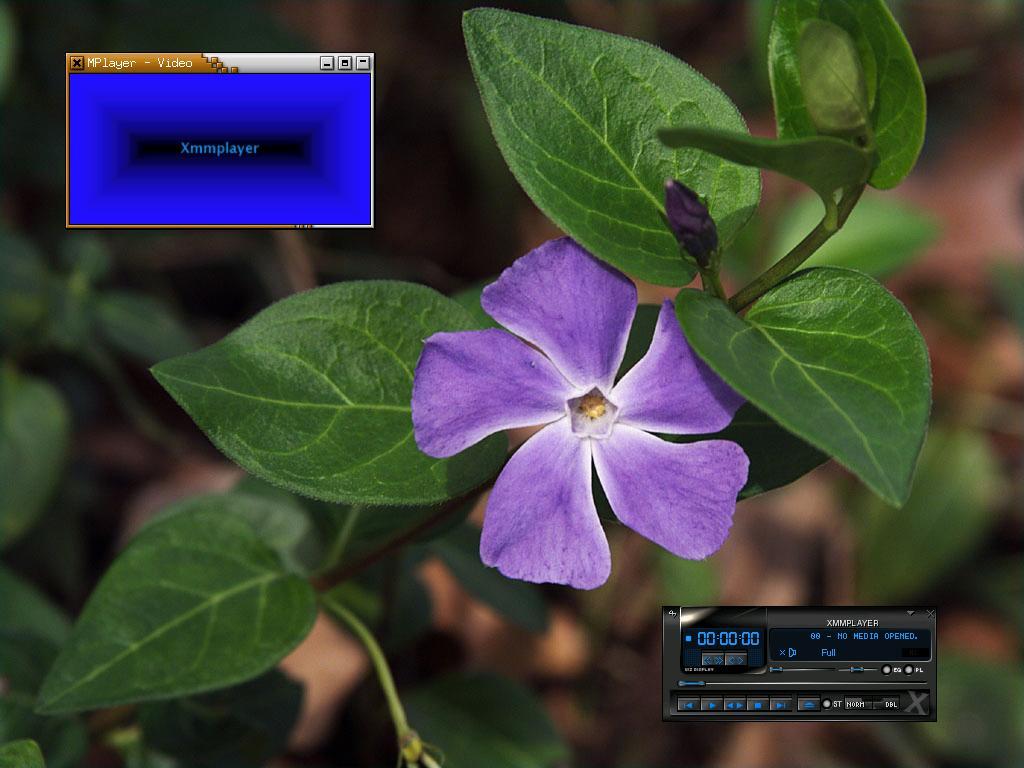
| xmmplayer |
1.5 |
nostrildamus |
XMMS lookalike |
HTTP
|
FTP
|
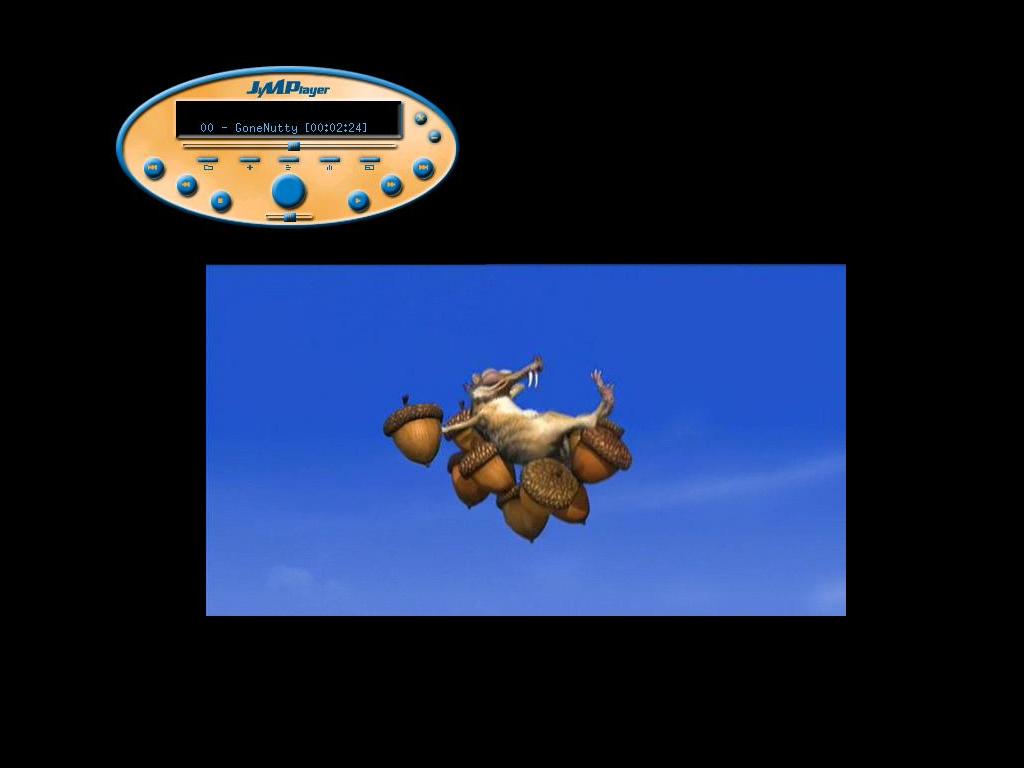
| JiMPlayer |
1.4 |
Attila Gyimesi |
round and colorful |
HTTP
|
FTP
|
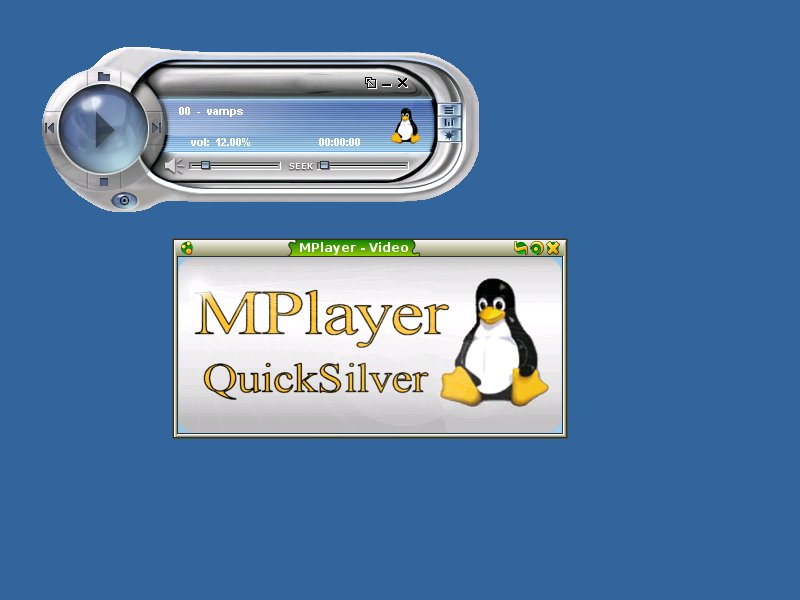
| QuickSilver |
1.1 |
Charles Foucault |
QuickSilver WMP skin |
HTTP
|
FTP
|
| smoothwebby |
1.2 |
Andrew Weber |
blueish monochrome |
HTTP
|
FTP
|
| webby |
1.4 |
Andrew Weber |
bluegray monochrome |
HTTP
|
FTP
|
| Canary |
1.2 |
Veres Imre |
small, compact |
HTTP
|
FTP
|
| CubicPlayer |
1.1 |
Gabucino |
textmode like |
HTTP
|
FTP
|
| divxplayer |
1.3 |
Marcin Szumiela |
DivX player lookalike |
HTTP
|
FTP
|
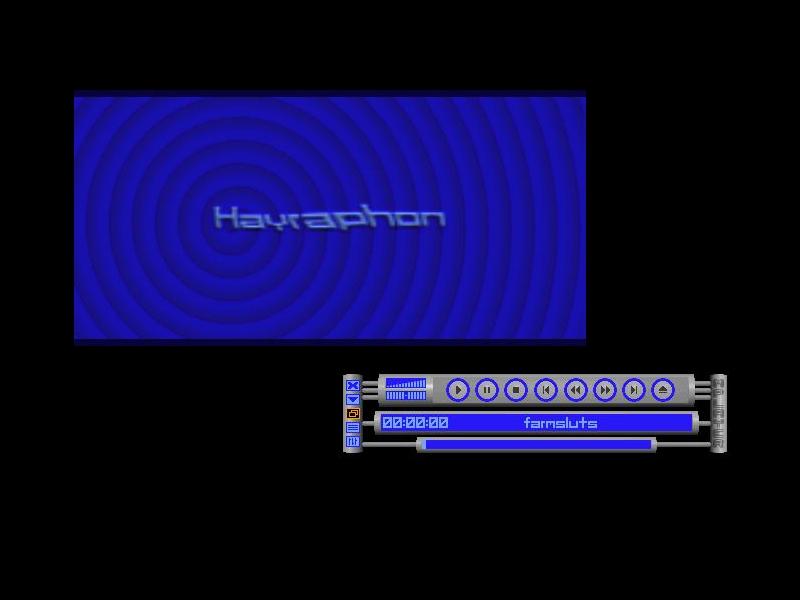
| hayraphon |
1.0 |
michaell@uni.de |
bluegray monochrome |
HTTP
|
FTP
|
| iTunes |
1.2 |
unknown |
iTunes inspired |
HTTP
|
FTP
|
| iTunes-mini |
1.2 |
unknown |
iTunes inspired |
HTTP
|
FTP
|
| mini |
0.1 |
Fabian Franz |
browser plugin skin |
HTTP
|
FTP
|
| moonphase |
1.0 |
Dan "Jago" Naumov |
flat gray |
HTTP
|
FTP
|
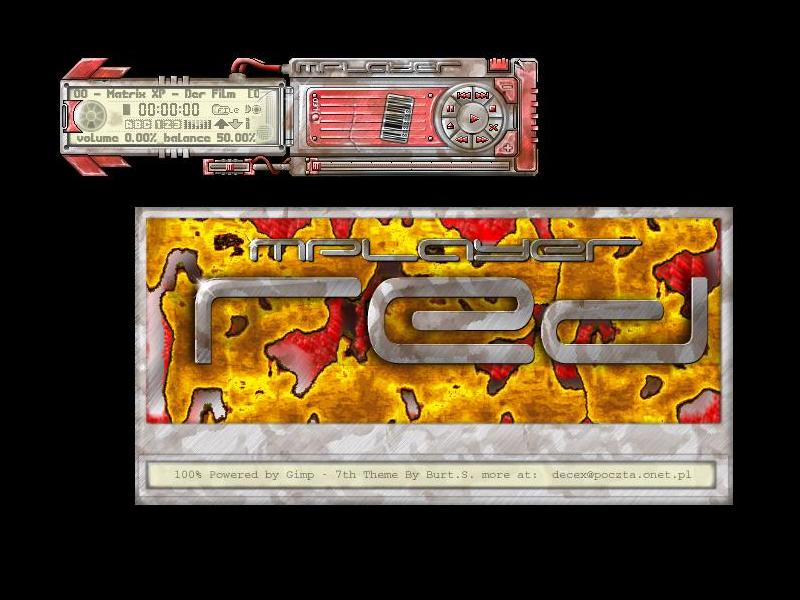
| mplayer_red |
1.1 |
Burt.S. |
rusty machine |
HTTP
|
FTP
|
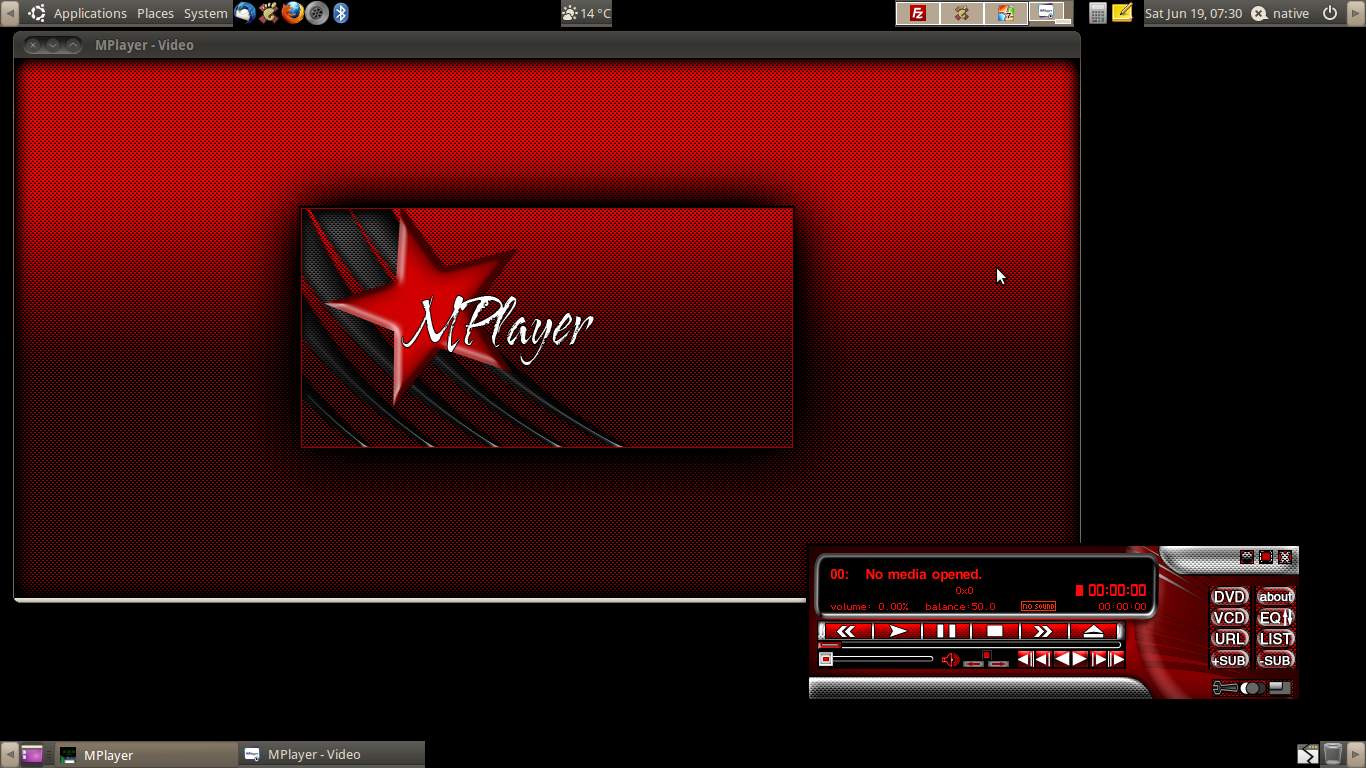
| nativeRed |
1.2 |
nativeridge |
red and black |
HTTP
|
FTP
|
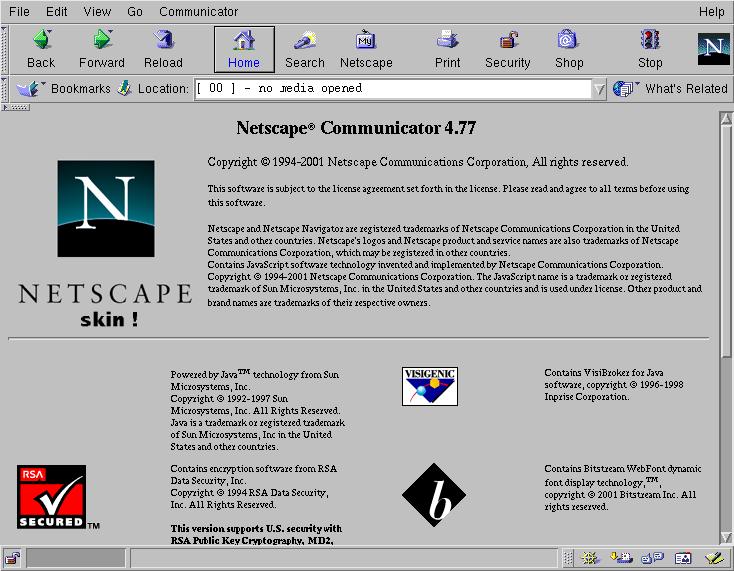
| netscape4 |
1.0 |
Gabucino |
Communicator 4.77 |
HTTP
|
FTP
|
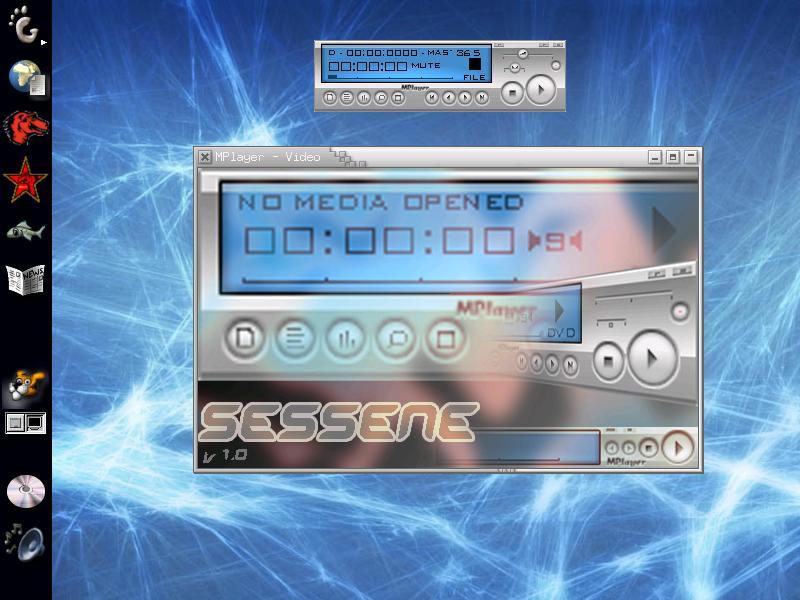
| sessene |
1.0 |
ghostman |
clean and small |
HTTP
|
FTP
|
| bluecurve |
1.4 |
bleachie |
Red Hat bluecurve theme |
HTTP
|
FTP
|
| changuito |
0.3 |
jpoyarzun |
Gorilla GNOME theme |
HTTP
|
FTP
|
| OpenDoh |
1.2 |
siTe |
Industrial look-alike |
HTTP
|
FTP
|
| plastik |
2.0 |
Jesper Schultz |
KDE plastik theme |
HTTP
|
FTP
|
| productive |
1.0 |
Michael Zeising |
smooth and modern look |
HTTP
|
FTP
|
| brushedGnome |
1.2 |
Azrael |
brushed QPlayer |
HTTP
|
FTP
|
| Linea |
1.0 |
Radic Vesko |
black and white |
HTTP
|
FTP
|
| clearplayer |
0.10 |
Massimo Tisi |
ClearLooks GNOME theme |
HTTP
|
FTP
|
| ICY |
1.0 |
Phantom LORD |
Nero ShowTime skin |
HTTP
|
FTP
|
| Dushku |
1.2 |
funkydrummer |
Eliza Dushku |
HTTP
|
FTP
|
| KDE |
0.3 |
Rüdiger Kuhlmann |
uses KDE images |
HTTP
|
FTP
|
| 1 |
can display all glyphs of the Unicode Basic Multilingual Plane (BMP) |
| 2 |
can display all Basic Latin and Latin-1 Supplement glyphs, seven Latin Extended-A glyphs (Œ, œ, Š, š, Ÿ, Ž, ž) and the Euro Sign glyph (€) |
| 3 |
can only display Basic Latin glyphs, one Latin-1 Supplement glyph (ó) and eight Latin Extended-A glyphs (ą, ć, ę, Ł, ł, ń, ś, ż) |
We run a small Debian repository:
- Package: mplayer+gui
Architecture: amd64
Architecture: i386
Description: The Movie Player
This package contains both the plain MPlayer and the GUI variant of MPlayer.
All audio and video codecs are provided by a built-in FFmpeg.
The available output drivers are for ALSA (audio), XVideo (video) and the
framebuffer device (video).
- Package: mplayer-skin-blue-multilingual
Architecture: all
Description: Blue skin (multilingual) for the MPlayer GUI
The MPlayer GUI can be customized with various skins and needs at least
one to be used comfortably and as intended.
This package contains the Blue skin by Xenomorph. It is currently considered
the default skin for MPlayer. It can display all glyphs of the Unicode Basic
Multilingual Plane (BMP).
- Package: mplayer-skin-blue-small
Architecture: all
Description: Blue skin (small) for the MPlayer GUI
The MPlayer GUI can be customized with various skins and needs at least
one to be used comfortably and as intended.
This package contains the small Blue skin by Xenomorph, a compact version of
his Blue skin. It can only display Basic Latin glyphs, one Latin-1 Supplement
glyph and eight Latin Extended-A glyphs.
- Package: mplayer-skin-blue
Architecture: all
Description: Blue skin for the MPlayer GUI
The MPlayer GUI can be customized with various skins and needs at least
one to be used comfortably and as intended.
This package contains the Blue skin by Xenomorph. Although it is currently
considered the default skin for the MPlayer GUI, it can only display Basic
Latin glyphs, one Latin-1 Supplement glyph and eight Latin Extended-A glyphs.
- Package: mplayer-skin-clearlooks-multilingual
Architecture: all
Description: Clearlooks skin (multilingual) for the MPlayer GUI
The MPlayer GUI can be customized with various skins and needs at least
one to be used comfortably and as intended.
This package contains the Clearlooks skin suitable for the Clearlooks
GTK theme. It can display all glyphs of the Unicode Basic Multilingual
Plane (BMP).
- Package: mplayer-skin-clearlooks
Architecture: all
Description: Clearlooks skin for the MPlayer GUI
The MPlayer GUI can be customized with various skins and needs at least
one to be used comfortably and as intended.
This package contains the Clearlooks skin suitable for the Clearlooks
GTK theme. It can display all Basic Latin and Latin-1 Supplement glyphs,
seven Latin Extended-A glyphs and the Euro Sign glyph.
Using MPlayer's Debian package repository
First of all, download
MPlayer's Debian package repository public key. Make sure that this
key has the fingerprint 81A6 9856 E6FE 8556 91BC 9AFC 957E 566E 3A92 C61F,
because only then it is authentic. Now:
- Debian 12 (»Bookworm«) or later
Prepare the key:
gpg --dearmor mplayer-deb.key
Make the key known to apt:
sudo install -m 644 mplayer-deb.key.gpg /etc/apt/trusted.gpg.d
Create (as superuser) a file /etc/apt/sources.list.d/mplayer.list
with the following content:
deb http://mplayerhq.hu/MPlayer/deb current main
After a sudo apt update you can install packages from our
Debian package repository by simply using sudo apt install
and the package name.
|